
Text to Image for Prompt-Based AI Art
Text to Image creates original images from a written prompt, with control over style, subject, ratio, and detail. New accounts get free starter credits, so you can try prompts and build a visual direction fast.
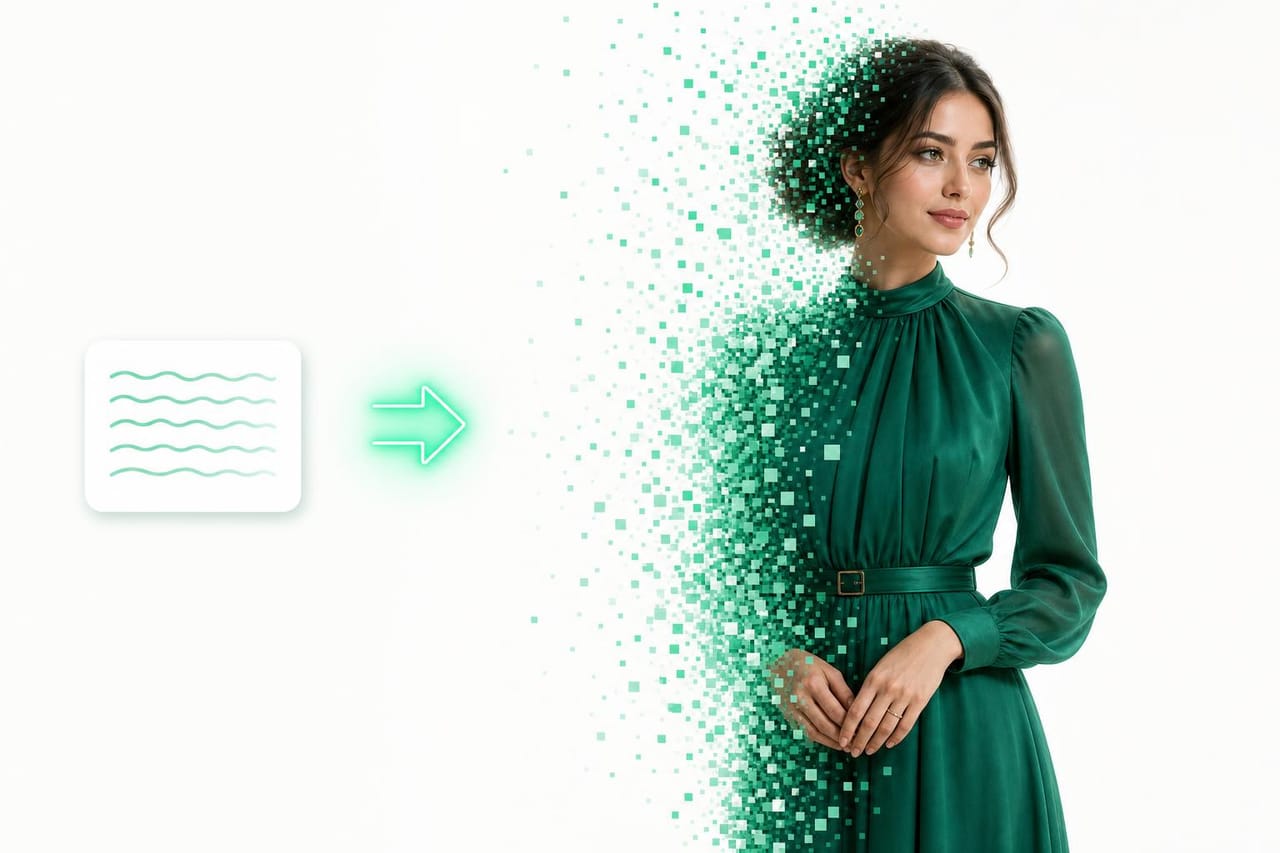
How it works
Write Prompt
Describe the subject, setting, style, colors, and details you want in the image.
Choose Format
Pick a shape or use prompt notes to guide framing, lighting, and composition.
Generate Image
Create the image, then refine your prompt to explore stronger versions.
Example prompts to try
Copy a prompt, tweak it, and make it your own.
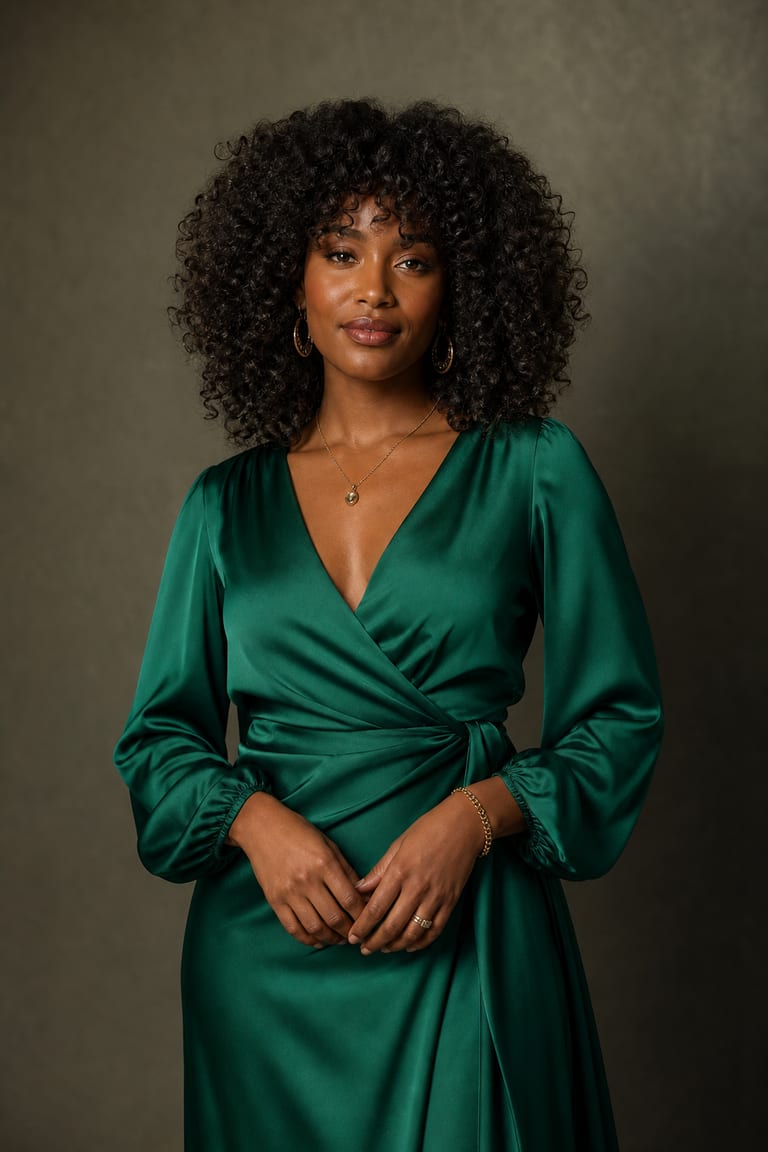
“Editorial portrait of a woman in an emerald silk gown, softbox studio light, shallow depth of field, real skin texture, magazine-cover look.”
Try this prompt in the studio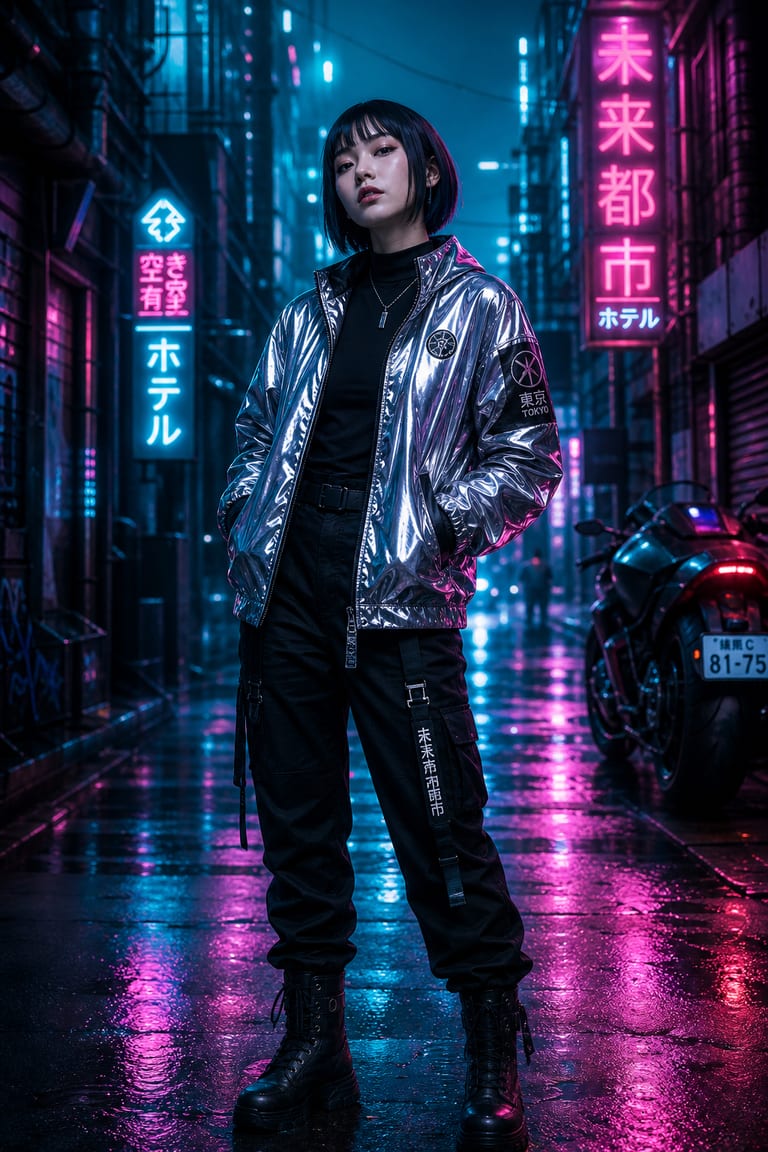
“A cyberpunk street samurai in a neon-lit alley at night, rain, reflective jacket, cinematic teal-and-magenta grade, wide shot.”
Try this prompt in the studio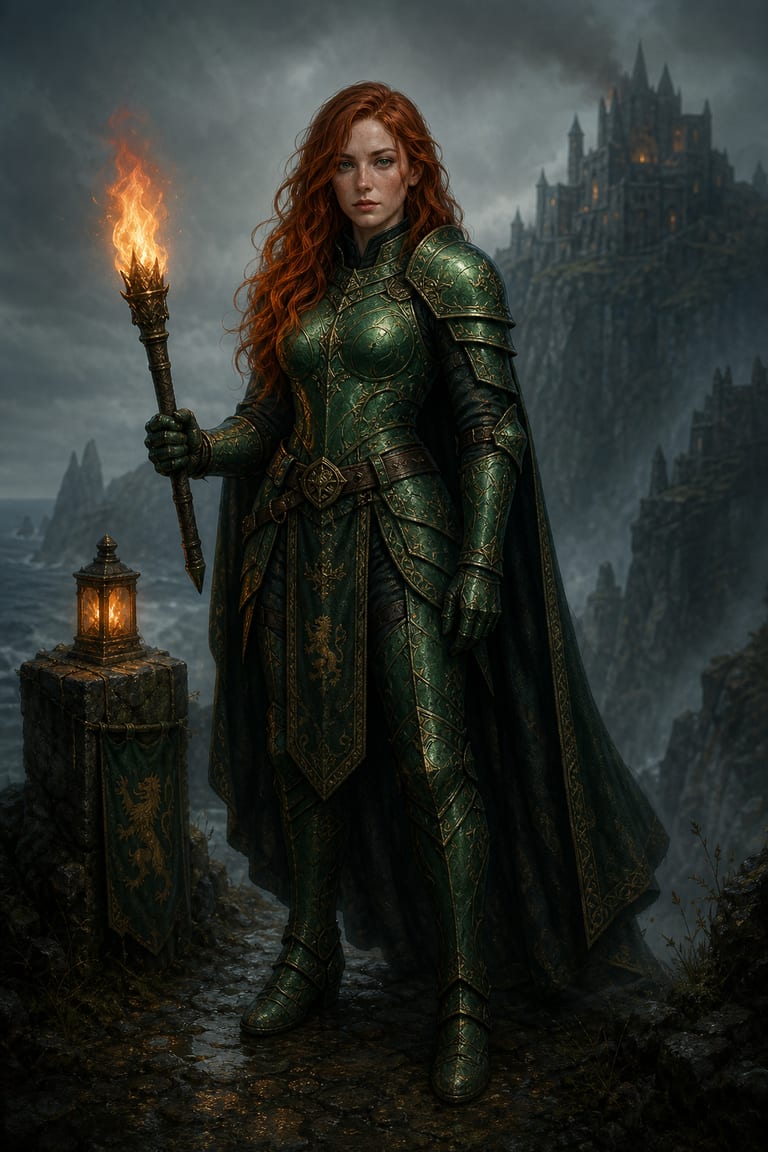
“A dark-fantasy sorceress in ornate emerald armor on a misty cliff, torchlight, painterly realism, deep greens and gold.”
Try this prompt in the studioWhy creators use it
Style Control
Guide image style with plain words, from product mockups to story art and social visuals.
Format Options
Create images for square, vertical, or wide uses based on your project needs.
Fast Variations
Test multiple prompt directions quickly and keep the best results in one workspace.
Frequently asked questions
Can I try Text to Image for free?
Yes. New accounts get free starter credits, so you can test image generation before adding more.
What should my prompt include?
Include subject, setting, style, lighting, colors, and composition. Specific prompts help produce cleaner results.
Can I make images for social posts?
Yes. Text to Image can create visuals for posts, ads, thumbnails, concepts, and mood boards.
Can I create multiple versions?
Yes. You can revise the prompt and generate new versions until the image fits your direction.
Explore more tools
Where ideas become something real.
Start creating with Text to Image and every Vynzo tool in one creative studio.
Start free