
Carousel Studio for Matching Social Images
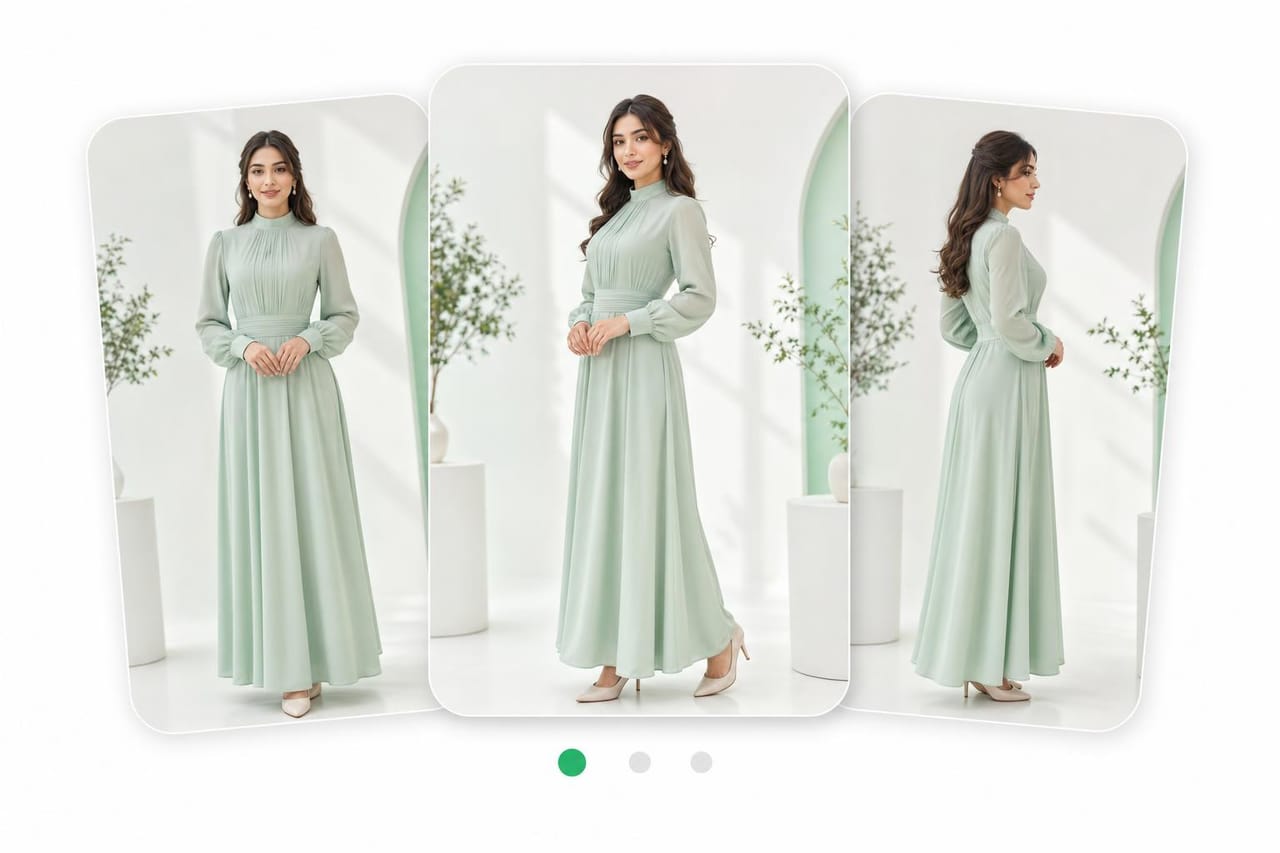
Carousel Studio creates a set of matching images for a social carousel, campaign, or visual story. New accounts get free starter credits, so you can test a theme and keep each slide visually connected.
How it works
Set Theme
Describe the topic, audience, style, and message for your carousel.
Build Slides
Choose the number of images and add notes for each slide if needed.
Generate Set
Create matching images, review the flow, and refine the prompt for a stronger set.
Why creators use it
Matching Style
Keep colors, mood, subject treatment, and framing consistent across the image set.
Slide Planning
Generate multiple visuals around one idea instead of building each image from scratch.
Social Formats
Create image sets shaped for common carousel and post layouts.
Frequently asked questions
Can I try Carousel Studio for free?
Yes. New accounts get free starter credits, so you can test a carousel before adding more.
How many images can I make in a set?
You can create a set of matching images for a carousel. The best count depends on your story and credit use.
Can I keep the same style on every slide?
Yes. Carousel Studio is built to keep a shared style across the set. Use clear theme and color notes.
What is it best for?
It is best for social carousels, launch posts, story sequences, and branded image sets.
Explore more tools
Where ideas become something real.
Start creating with Carousel Studio and every Vynzo tool in one creative studio.
Start free