
Product shots gallery
Create clean product photos for bottles, cosmetics, boxes, gadgets, and set-styled objects. Copy a prompt, match your format, and test it in Vynzo.
Examples & prompts
Copy a prompt, tweak the details, and make it your own in the studio.
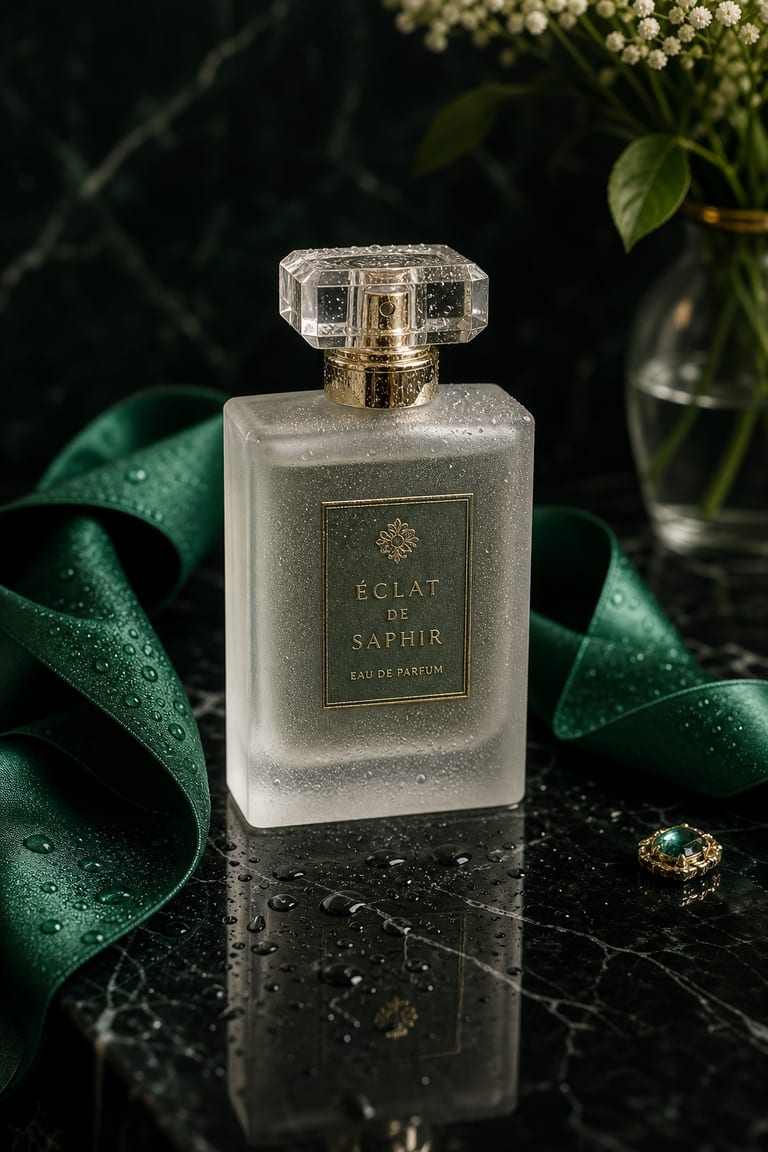
“A frosted-glass perfume bottle on wet black marble, an emerald silk ribbon at its neck, scattered dewdrops, soft softbox reflections, luxury product photography, shallow depth of field, studio light.”
seed 2048 · guidance 7.5 · 60 steps · 1024×1536
Try it yourself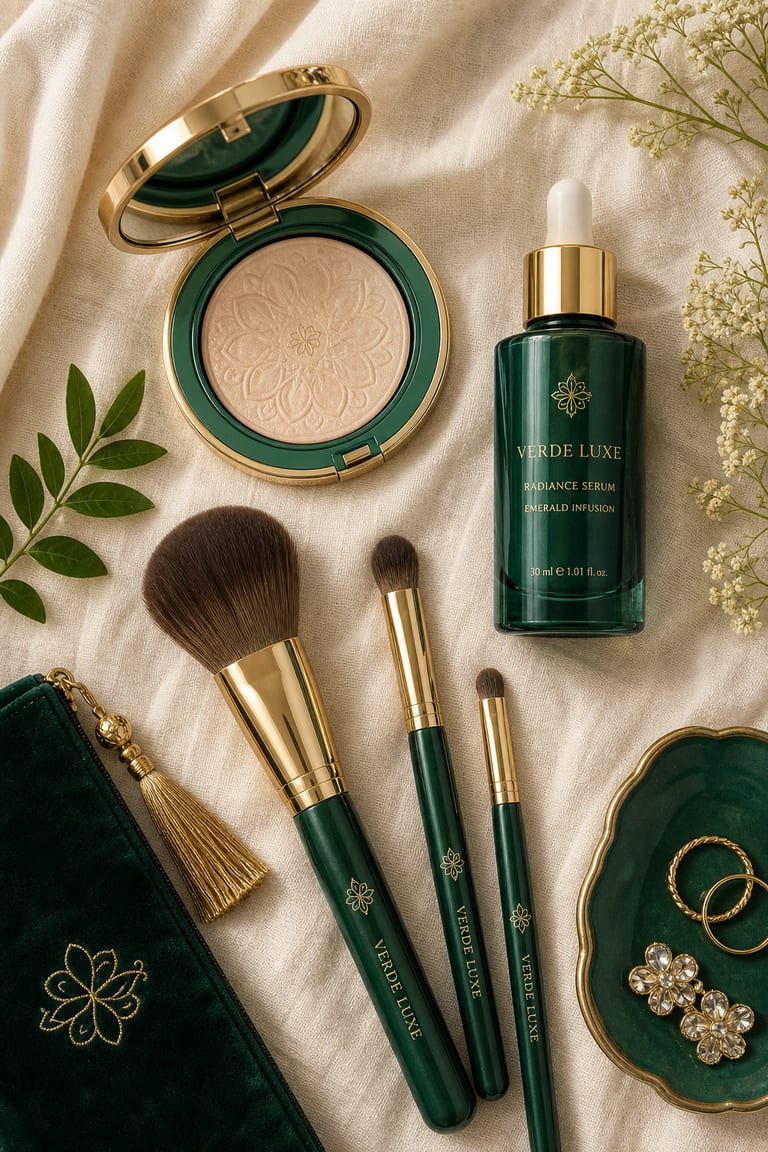
“Top-down flatlay of emerald-and-gold cosmetics — a compact, three brushes and a serum dropper — arranged on cream linen with negative space for copy, editorial beauty photography, soft diffused daylight.”
seed 2236 · guidance 6.0 · 45 steps · 1024×1536
Try it yourself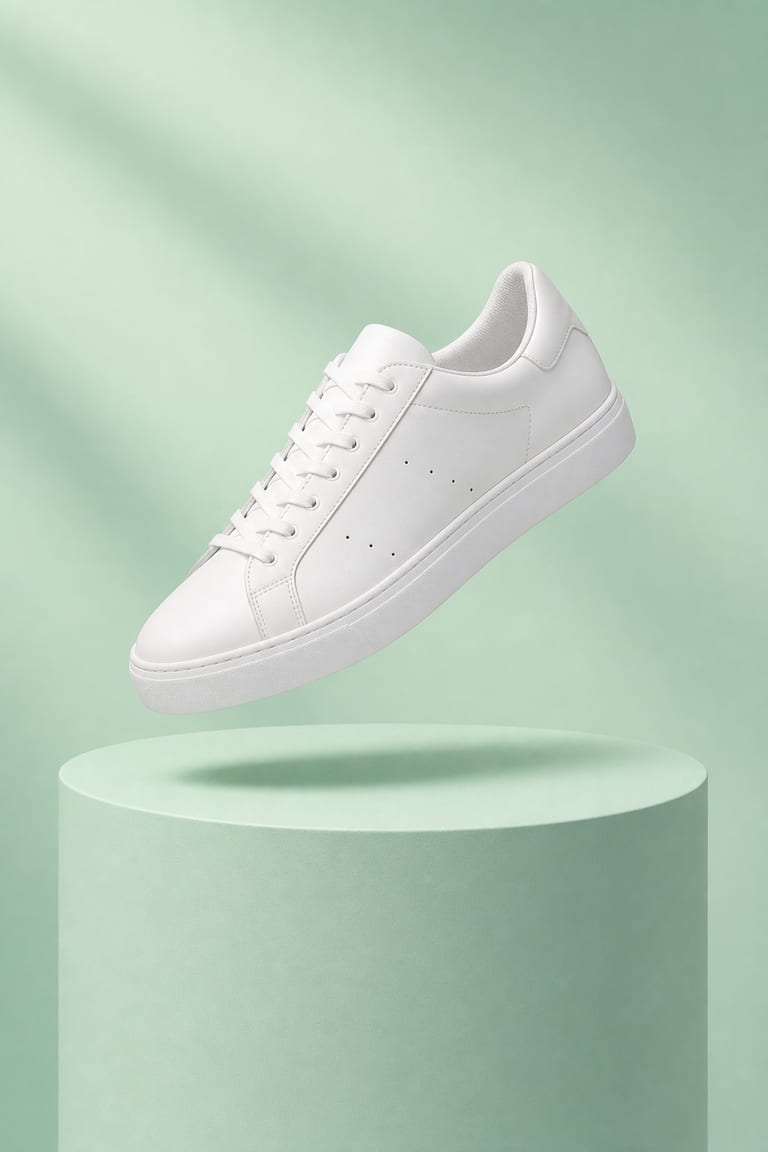
“A single white sneaker floating above a mint-green cylindrical pedestal, soft drop shadow, clean minimal product shot, pastel studio background, crisp even lighting, high detail.”
seed 1928 · guidance 7.5 · 50 steps · 1024×1536
Try it yourselfHow to get great results
Prompt tips tuned to how Vynzo's engines actually work.
Specify the set
In the Text → Image generator, list the product, surface, background, props, camera angle, lens, and lighting. “Frosted glass bottle on white acrylic, softbox reflections, 70mm lens” gives Vynzo clear targets.
Use a reference
Attach a clear product or packaging reference when shape, color, or label placement matters. Keep the reference front-facing and well lit for the best match.
Set strict guidance
Use guidance around 7–9 for catalog-style product shots. Higher settings help Vynzo follow materials, angles, and prop placement more closely.
Keep product traits
After a first render, add a keep-list like “same bottle shape, same cap color, centered label, clean white background.” Add a negative prompt for glare, warped labels, or clutter.
The tool behind it
Text to Image
FAQ
How do I make AI product photos for a catalog?
Upload or describe the item, then ask for a clean catalog-style shot. Include background, surface, lighting, and camera angle.
Can I create product shots for bottles, cosmetics, and objects?
Yes. Vynzo works well for bottles, skincare, makeup, packaging, and small objects with polished studio lighting.
How do I write a good prompt for product shots?
Describe the product, background, lighting, shadows, angle, and finish. Mention if you want white backdrop, marble, glass, or soft studio light.
New to prompting? Our guide to writing AI image prompts walks you through it.
More to create
Your idea, made real.
New accounts get a couple of free starter credits — copy a prompt above and make your first one.