
Text to image gallery
Create portraits, characters, posters, concept art, and visual styles from a typed idea. Copy a prompt, adjust the details, and try it free in Vynzo.
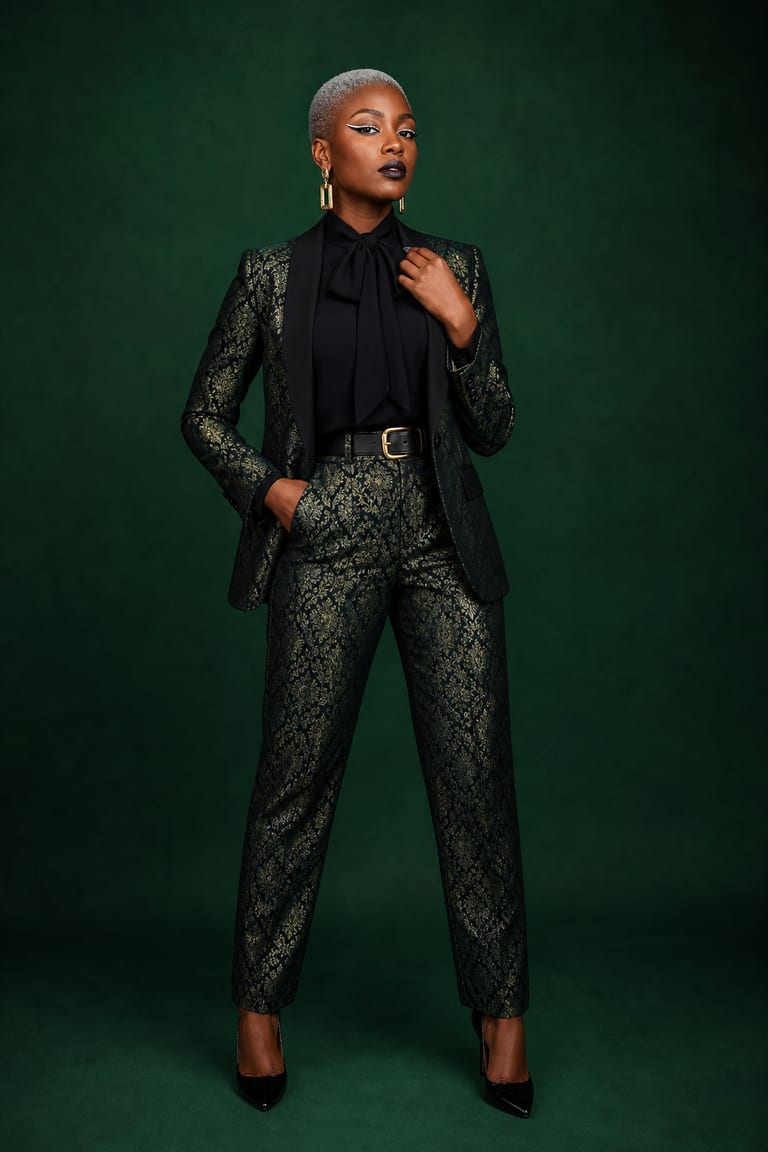
Examples & prompts
Copy a prompt, tweak the details, and make it your own in the studio.
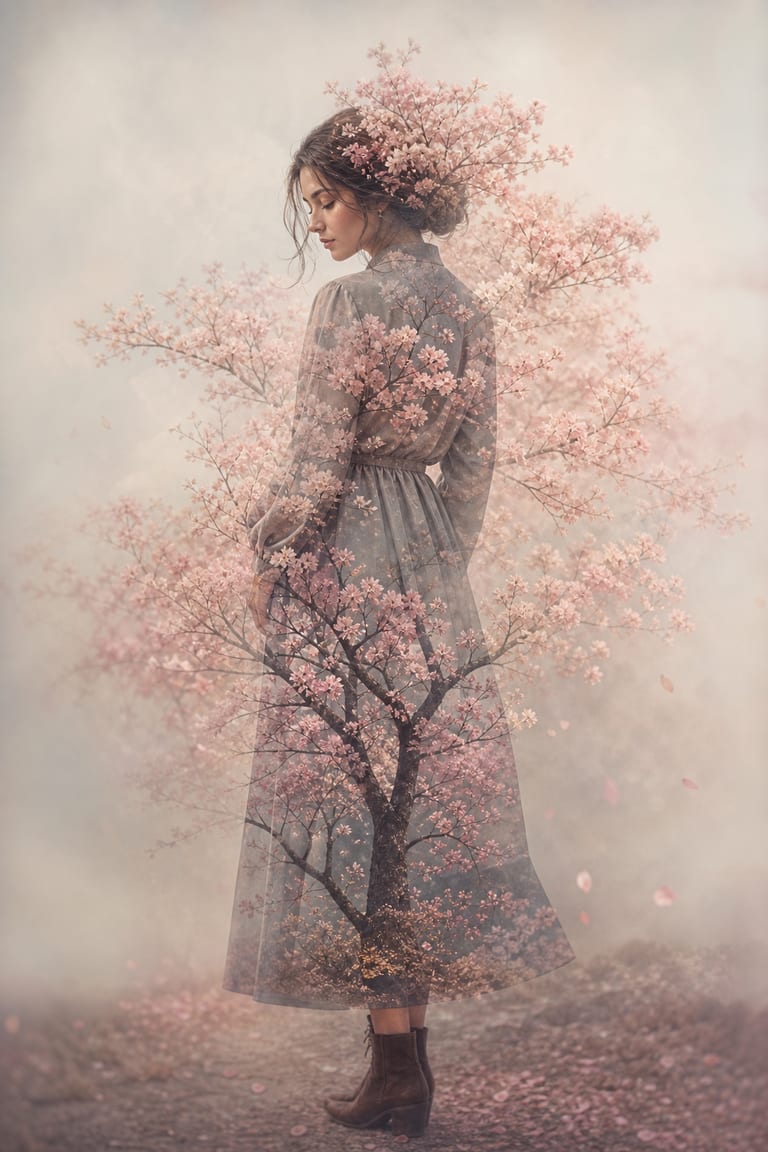
“Double-exposure portrait of a woman’s profile blended with a blooming cherry-blossom tree, delicate branches forming her hair, soft pastel pink and cream tones, fine-art photography, gentle studio backlight, high detail.”
seed 4096 · guidance 6.0 · 50 steps · 1024×1536
Try it yourself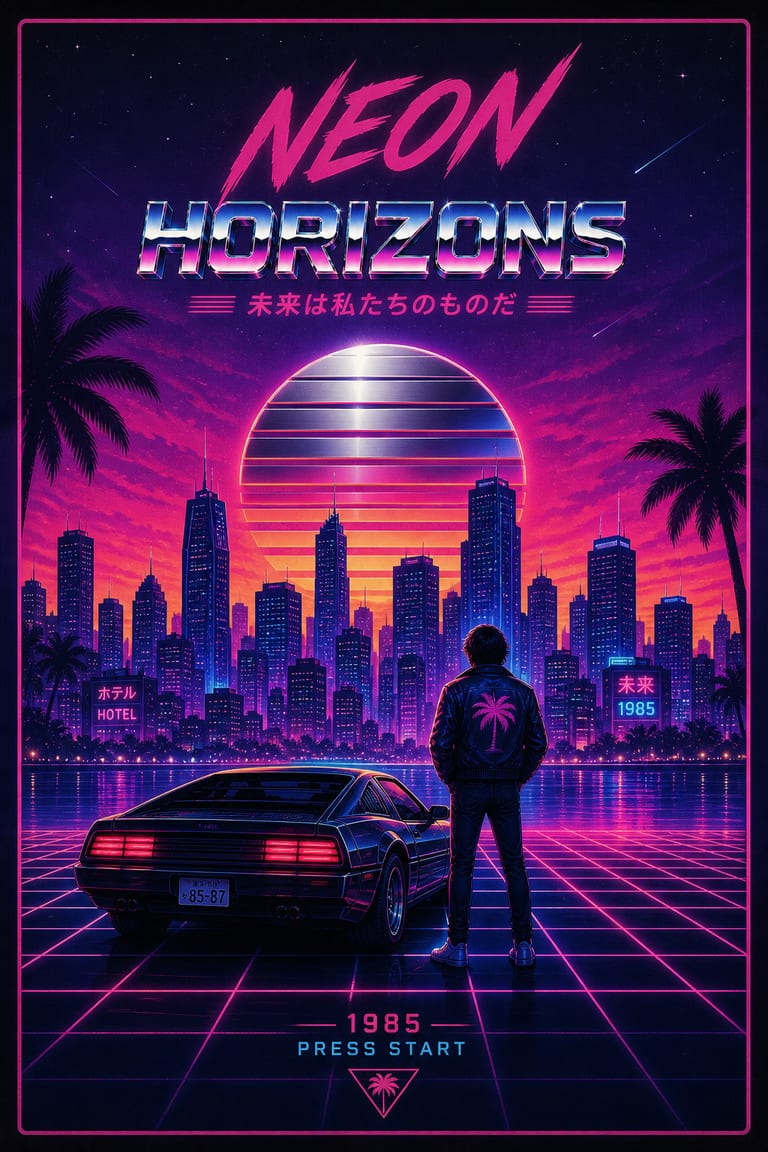
“A retro 1980s synthwave poster: a neon city skyline at dusk, a chrome sun setting behind a glowing purple grid horizon, palm silhouettes, vaporwave color grade, crisp vector lighting, bold poster composition.”
seed 31415 · guidance 7.5 · 60 steps · 1024×1536
Try it yourself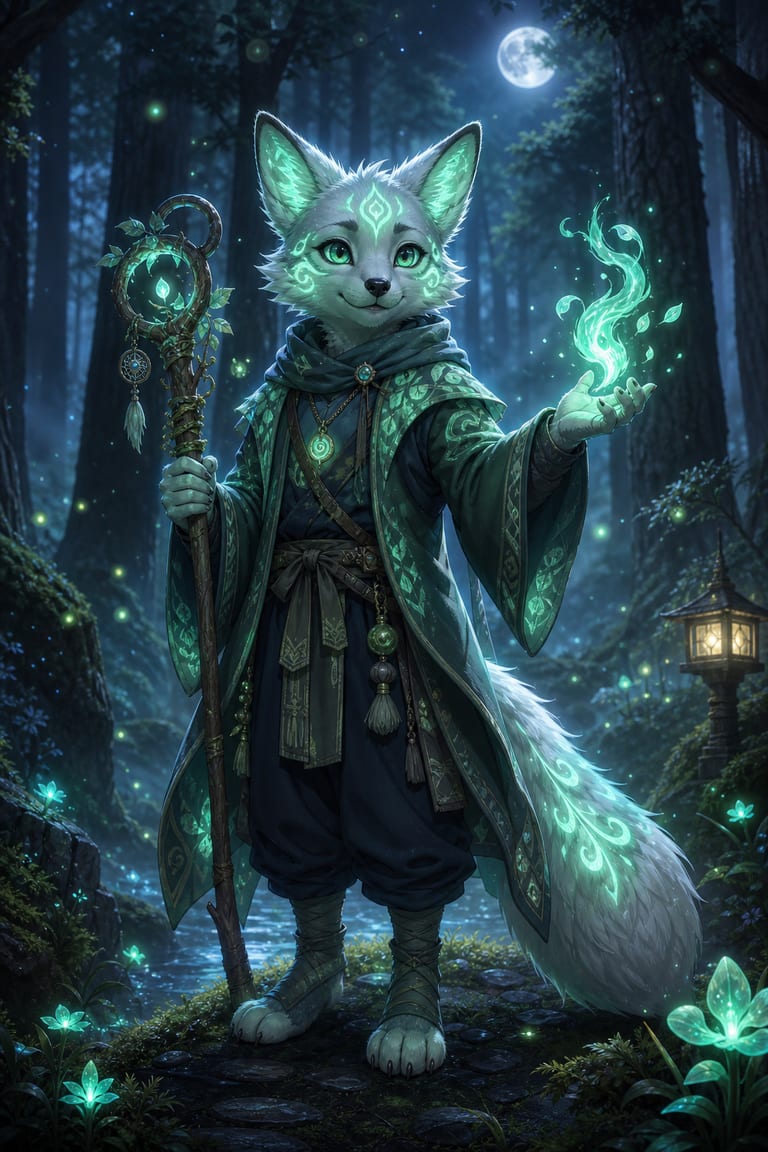
“Concept art of a bioluminescent forest-spirit fox standing in a misty woodland clearing at night, glowing emerald markings lighting the fog, cinematic rim light, painterly digital art, ultra-detailed.”
seed 271 · guidance 5.5 · 40 steps · 1024×1536
Try it yourselfHow to get great results
Prompt tips tuned to how Vynzo's engines actually work.
Build the prompt
In the Text → Image generator, write Subject + Action or Pose + Setting + Style + Specs. Replace vague words like “cool” with details such as “low-angle portrait, rainy neon alley, 85mm lens, soft rim light.”
Pick the frame
Choose the aspect ratio before you generate. Use 1:1 for profile art, 4:5 for social posts, 16:9 for banners, and 9:16 for vertical stories.
Tune guidance
Start with guidance around 6–8 for most images. Raise it when Vynzo misses key details, or lower it when you want more surprising style choices.
Lock the seed
When one result is close, lock the seed and change one detail at a time. This makes edits easier to judge because the base image stays consistent.
The tool behind it
Text to Image
FAQ
How do I make AI art from a text prompt?
Type what you want to see, such as a portrait, character, poster, or concept art scene. Add style, mood, colors, and details.
Is text to image free to try?
Yes. New accounts get a couple of free starter credits, then you can use pay-as-you-go credits for more images.
How do I write a good prompt for text-to-image art?
Name the subject, style, setting, lighting, and key details. Add what matters most first so the image stays focused.
New to prompting? Our guide to writing AI image prompts walks you through it.
More to create
Your idea, made real.
New accounts get a couple of free starter credits — copy a prompt above and make your first one.