
AI photoshoot gallery
Turn one approved subject into a full set of headshots, fashion poses, fitness shots, and studio looks. Copy a prompt, add a reference, and try the AI Photoshoot tool.
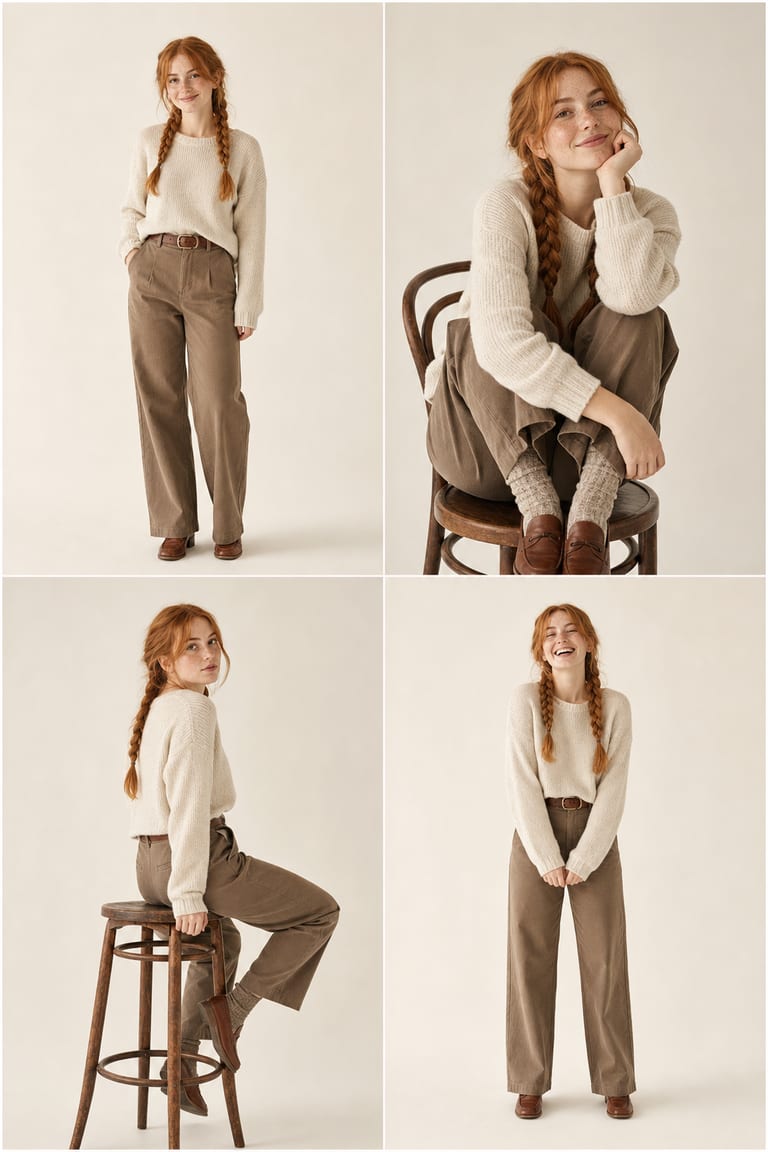
Examples & prompts
Copy a prompt, tweak the details, and make it your own in the studio.
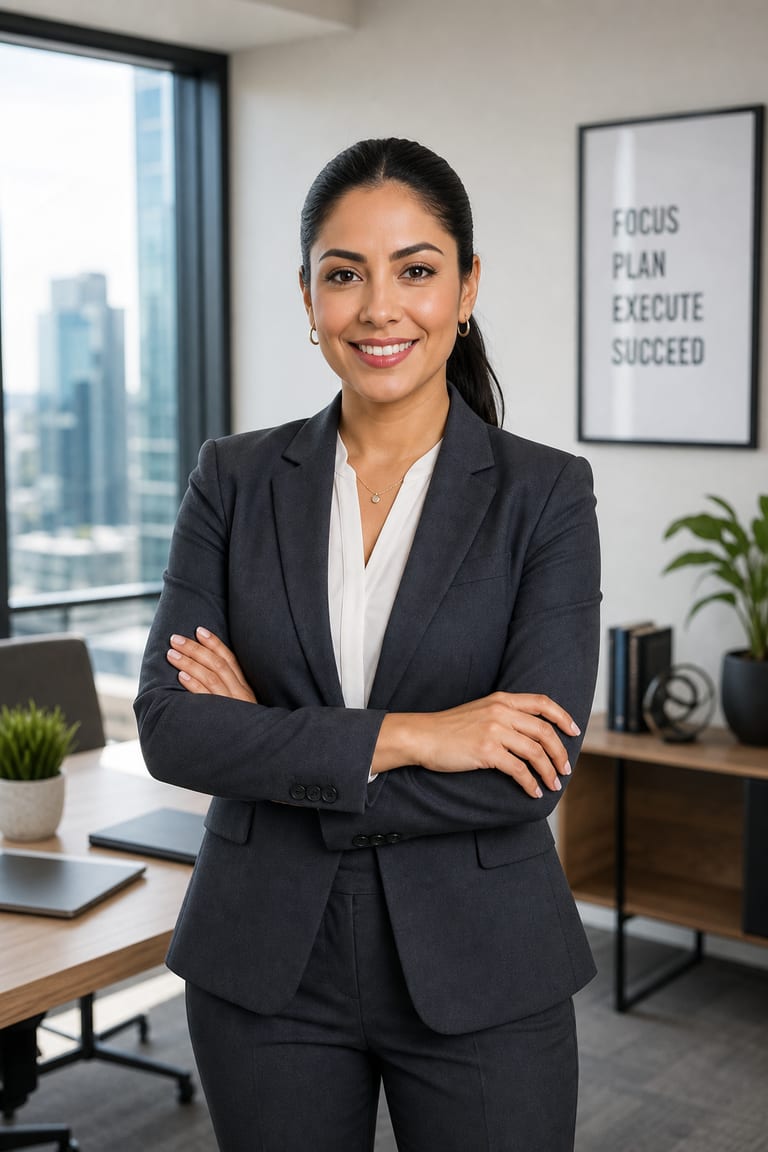
“A confident businesswoman with a sleek dark ponytail in a tailored charcoal blazer, arms crossed, bright modern office softly blurred behind, professional headshot, 85mm portrait, soft window light.”
seed 27182 · guidance 7.5 · 50 steps · + face reference
Try it yourself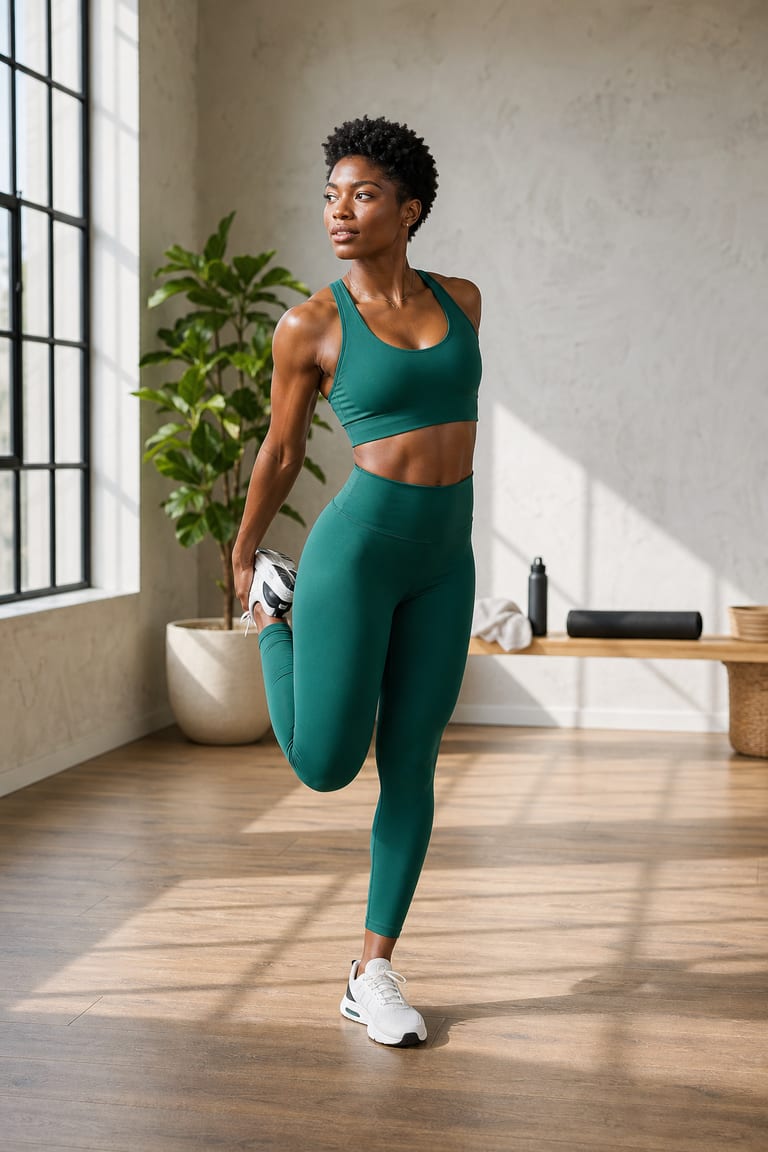
“A woman athlete with short coily hair in emerald activewear mid-stretch, sunlit studio with long shadows, dynamic editorial fitness photography, crisp rim light, full body in frame.”
seed 3141 · guidance 6.0 · 45 steps · + face reference
Try it yourself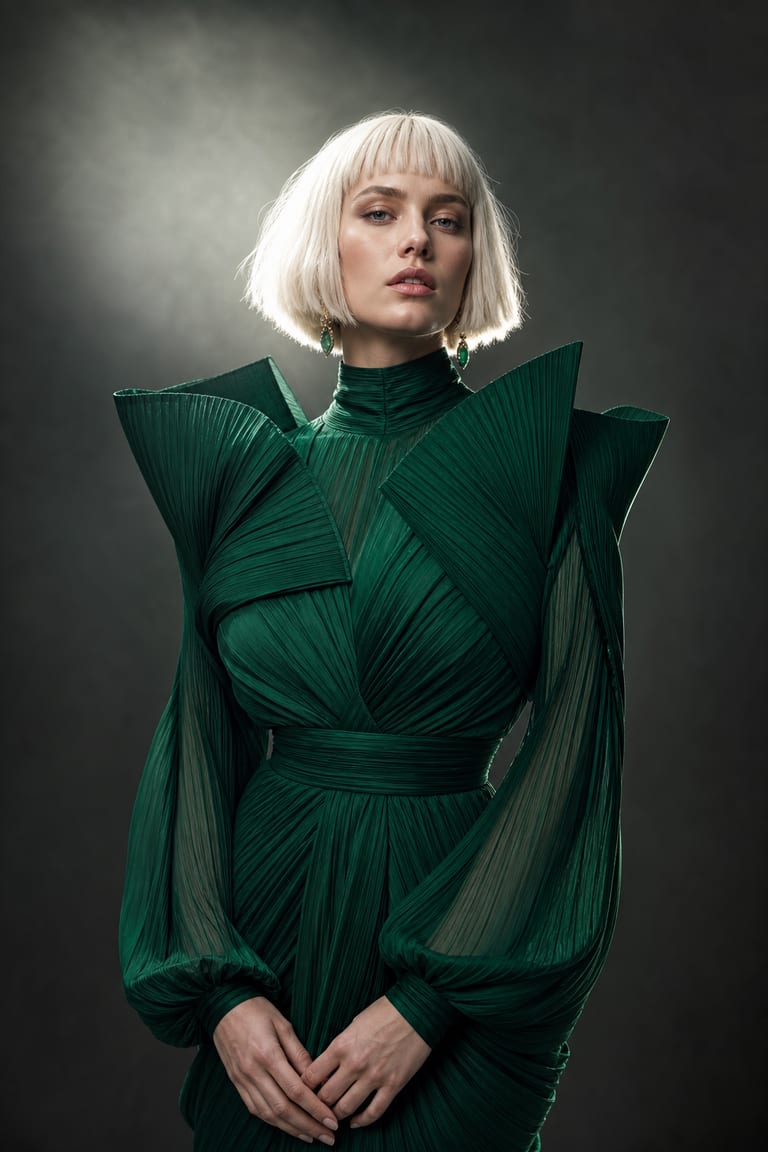
“A model with a platinum bob in an avant-garde emerald gown, poised pose against a seamless studio backdrop, high-fashion editorial, dramatic single rim light, deep shadows, magazine quality.”
seed 909 · guidance 7.5 · 55 steps · + face reference
Try it yourselfHow to get great results
Prompt tips tuned to how Vynzo's engines actually work.
Use a clear reference
Upload a sharp, front-facing image of your own likeness or someone with permission. Avoid heavy shadows, sunglasses, and busy backgrounds when you need a consistent face.
Direct the shoot
Prompt like a photo brief: pose, outfit, backdrop, lighting, lens, crop, and mood. “Three-quarter headshot, navy blazer, gray seamless backdrop, 85mm lens, soft key light” is easier to follow than “nice portrait.”
Change one look
Lock the seed once the face and lighting are close. Then change one element at a time, such as outfit, pose, background color, or camera crop.
Match the use
Pick the aspect ratio first: 1:1 for avatars, 4:5 for social feeds, 3:4 for portrait sets, and 9:16 for stories. This avoids awkward crops after generation.
The tool behind it
AI Photoshoot
FAQ
How do I make an AI photoshoot from one subject?
Use your own likeness or a subject with permission, then create headshots, fashion poses, or fitness angles in different studio looks.
Can I use my own photo for an AI photoshoot?
Yes. Upload your own photo and choose the style, outfit direction, pose, and background for a new studio-style image.
How do I write a good prompt for an AI photoshoot?
Describe the shot type, pose, outfit, background, lens feel, and lighting. Be clear if you want a headshot, fashion look, or gym scene.
New to prompting? Our guide to writing AI image prompts walks you through it.
More to create
Your idea, made real.
New accounts get a couple of free starter credits — copy a prompt above and make your first one.