
AI Photoshoot for studio-grade portraits from one photo
AI Photoshoot turns one ordinary photo of you into a full set of professional shoots, with free starter credits to try it. Upload a clear face photo, add a pose or outfit reference, describe the scene, and Vynzo creates studio-grade portraits that still look like you.
What is an AI photoshoot?
An AI photoshoot creates multiple pro portraits from one face photo, a pose or outfit reference, and a short scene prompt.
Instead of booking a photographer, lighting setup, location, and wardrobe for every look, you can create corporate headshots, business-casual portraits, fashion editorial shots, fitness photos, outdoor lifestyle frames, color-gel looks, and black-and-white portraits in one clean workspace.
It starts with your source photo, not a random prompt-only portrait, and it is not retouching one existing photo or swapping your face onto someone else.
How it works
Upload yourself
Add one clear face photo, then choose or upload a pose or outfit reference you have the right to use.
Describe the shoot
Write the setup, such as a glass office, navy blazer, soft window light, or a black-and-white studio portrait with strong side light.
Pick your frames
Vynzo returns four options, so you can save the best shot, rerun the same setup, or create a new shoot in a different scene.
One phone photo, nine shoots
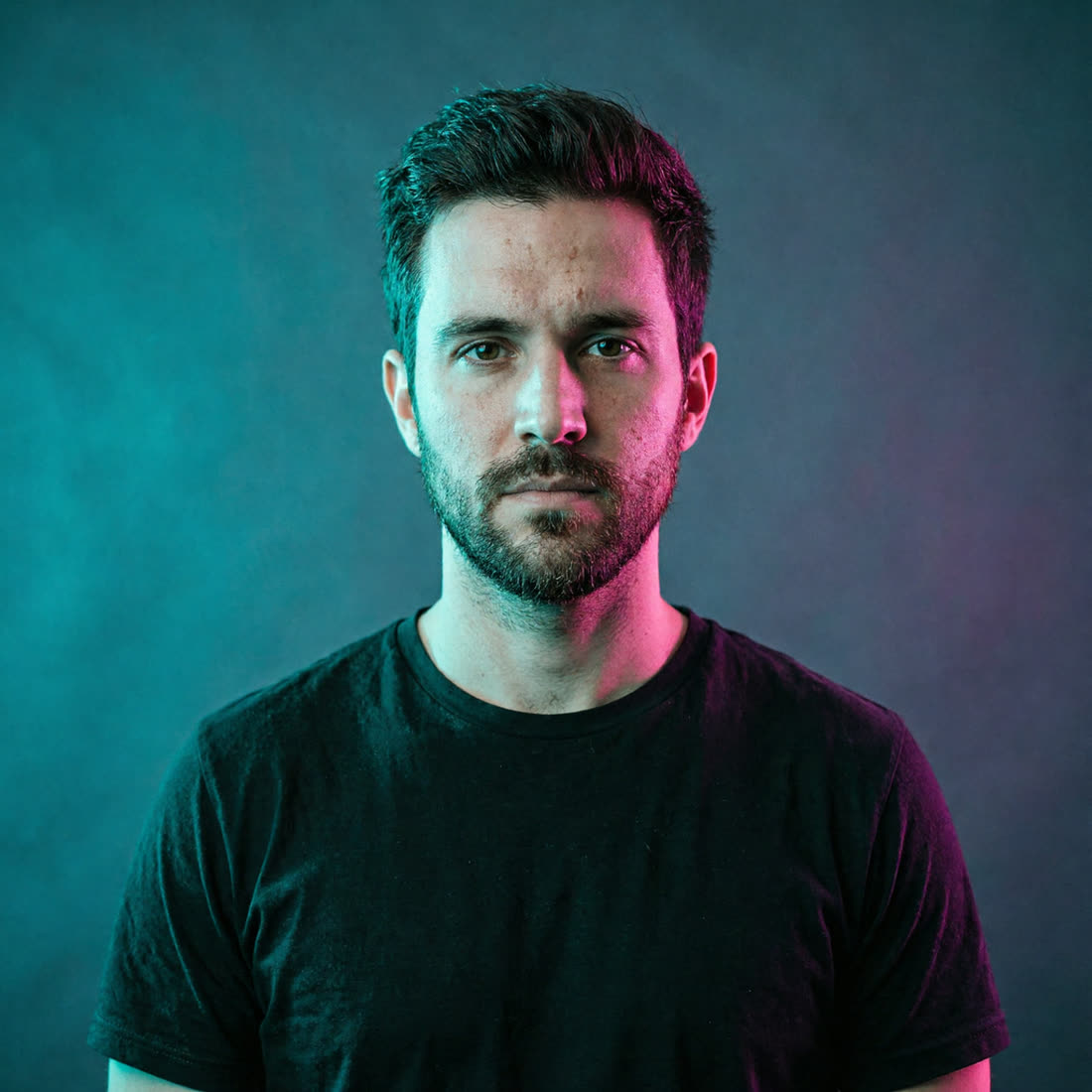
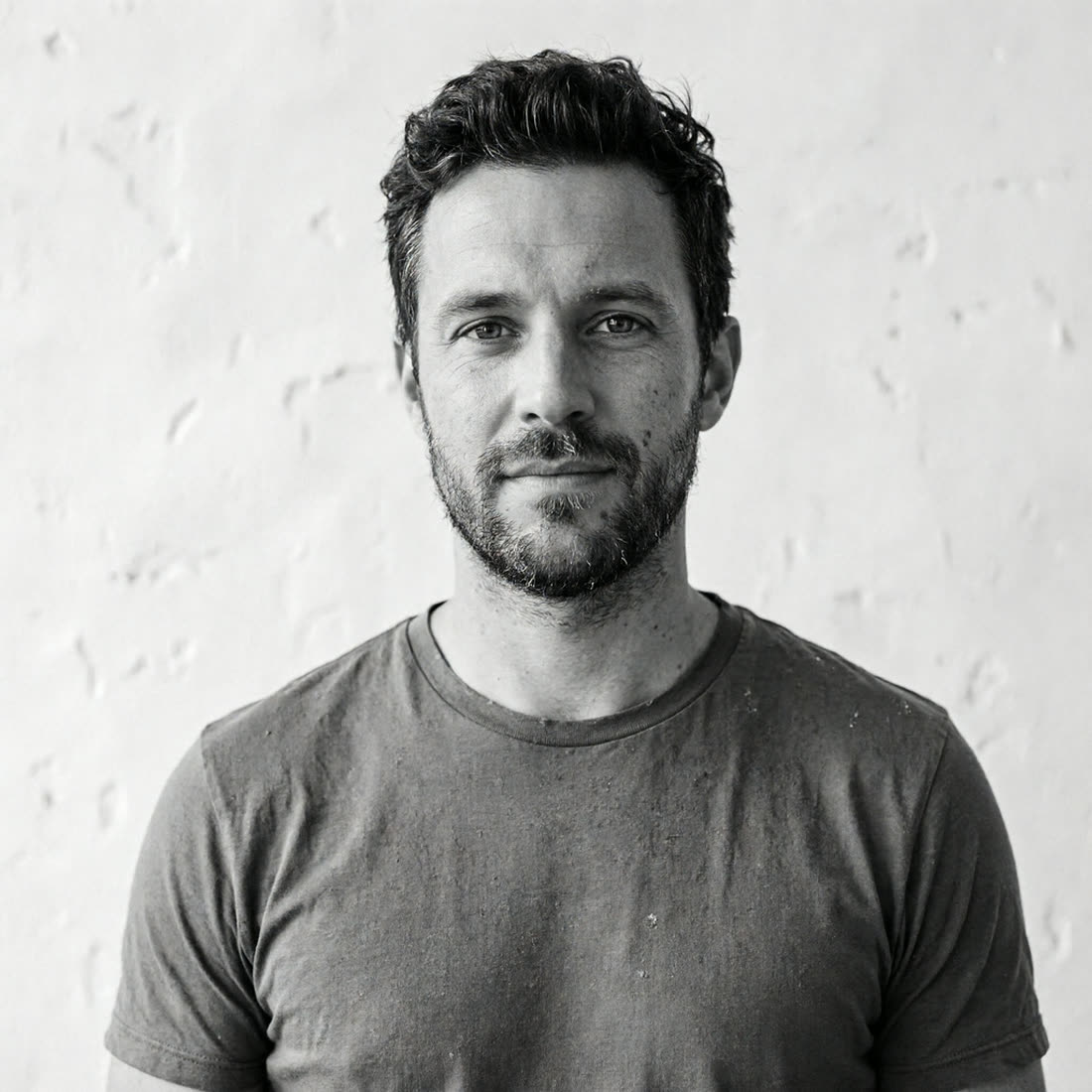
Start with a plain phone shot, then create corporate, business-casual, editorial, fitness, outdoor, color-gel, and black-and-white portraits that still read as you. One upload can become a complete visual profile.
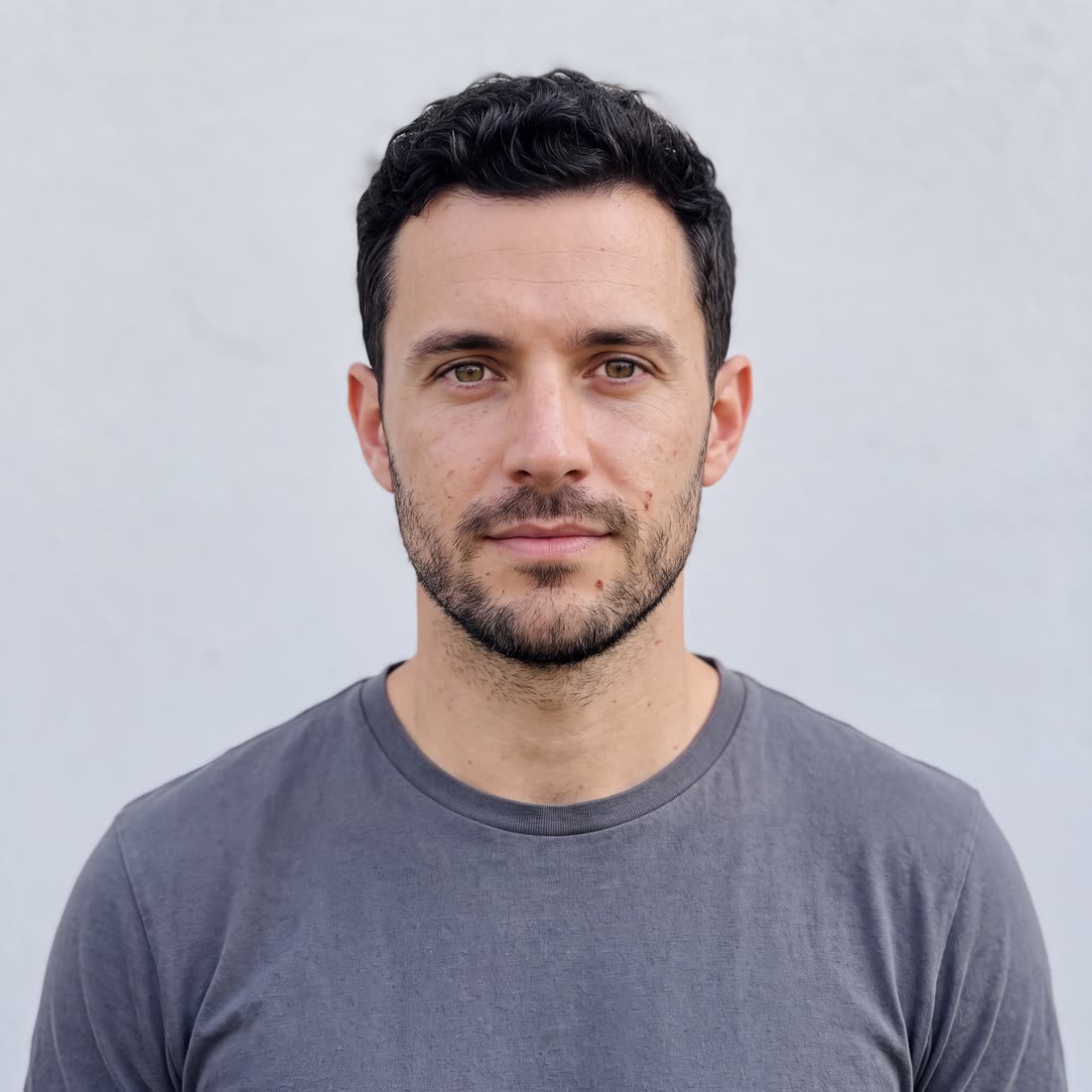
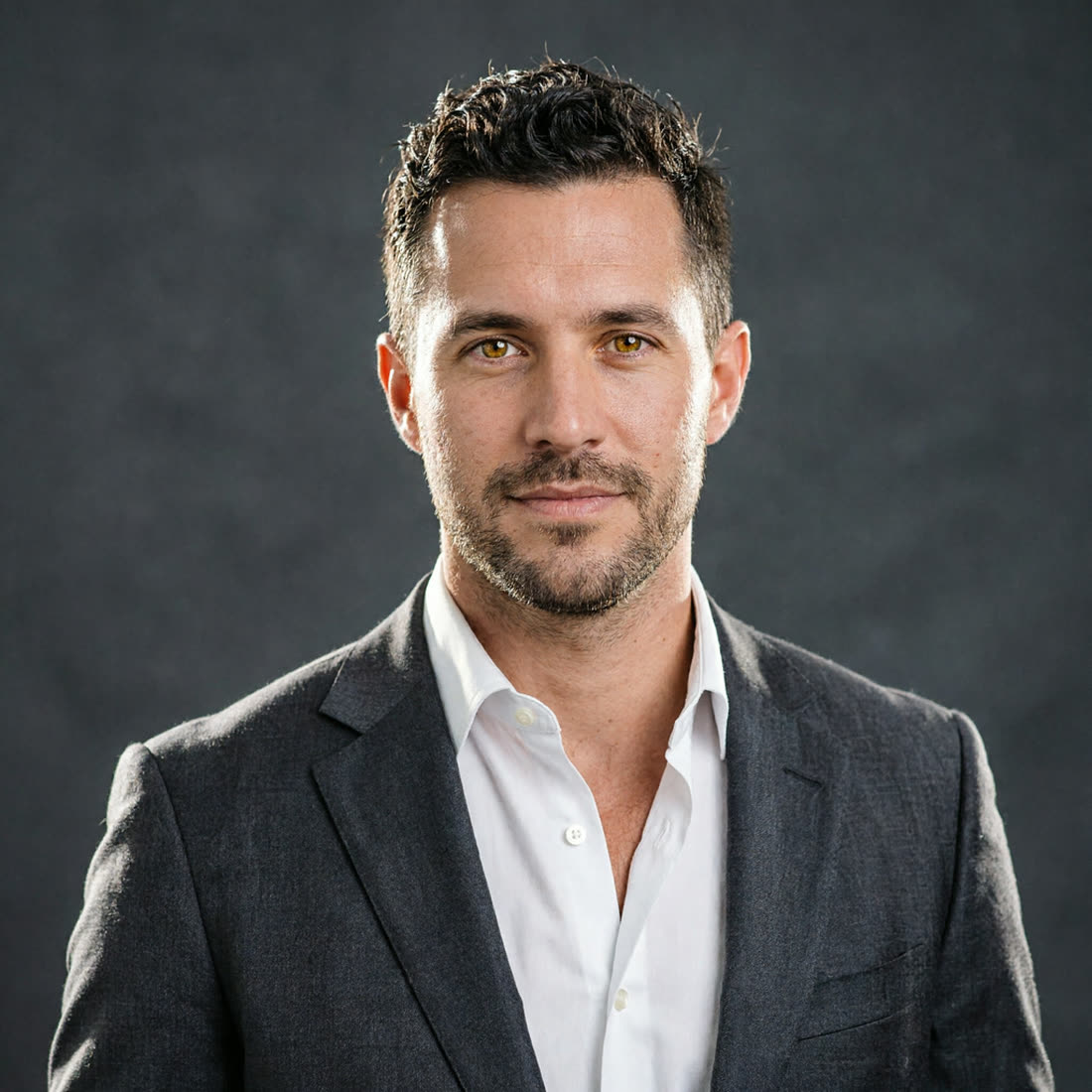
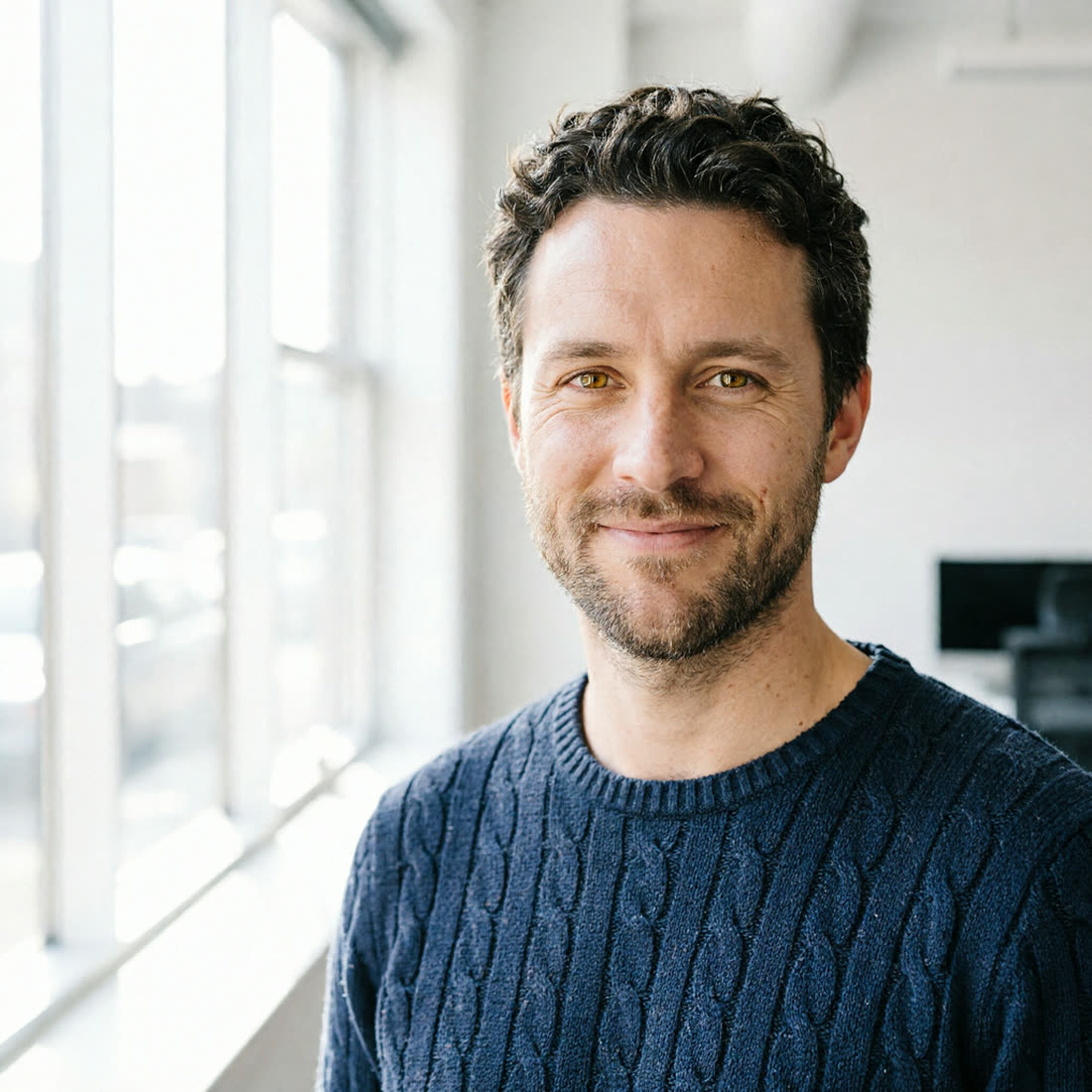
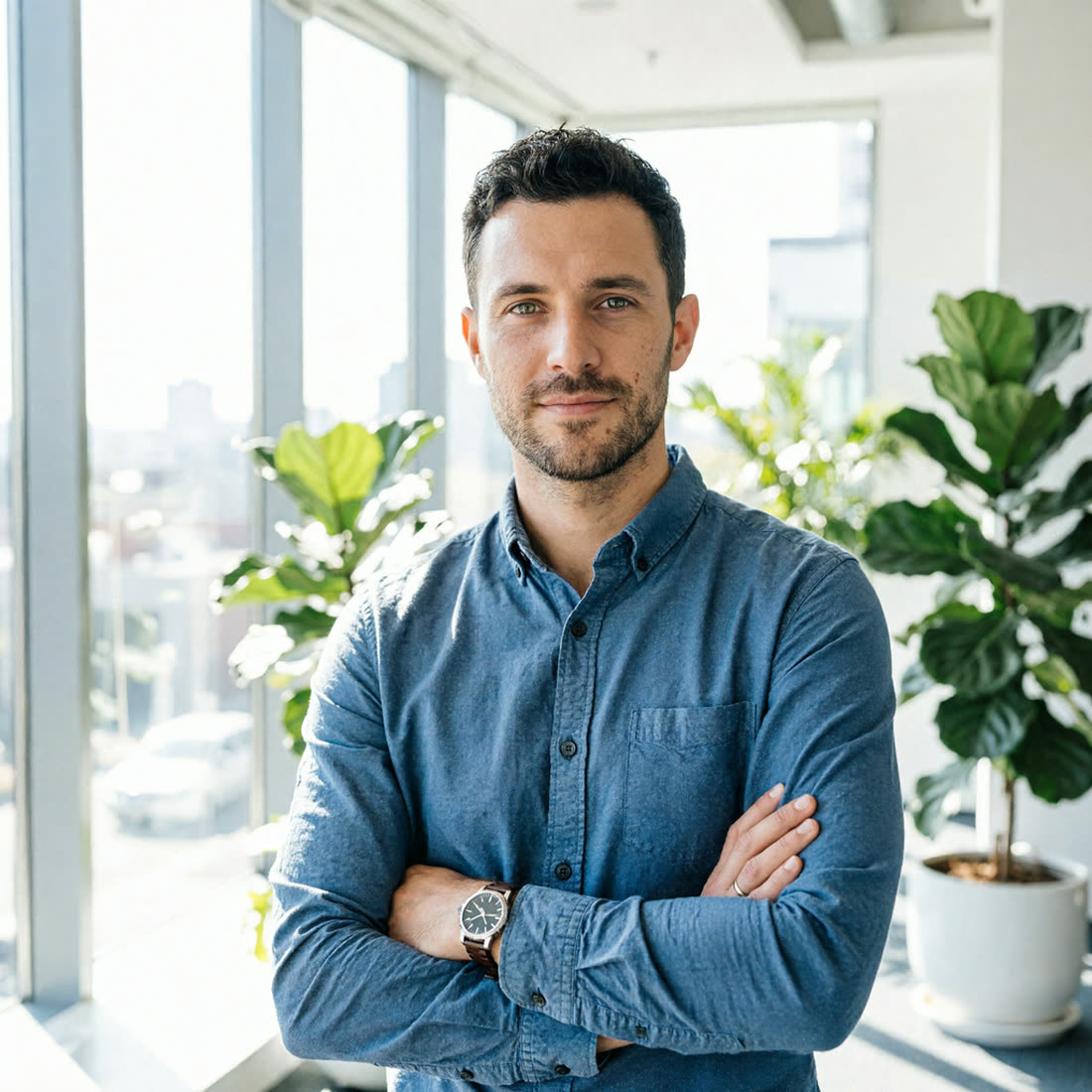
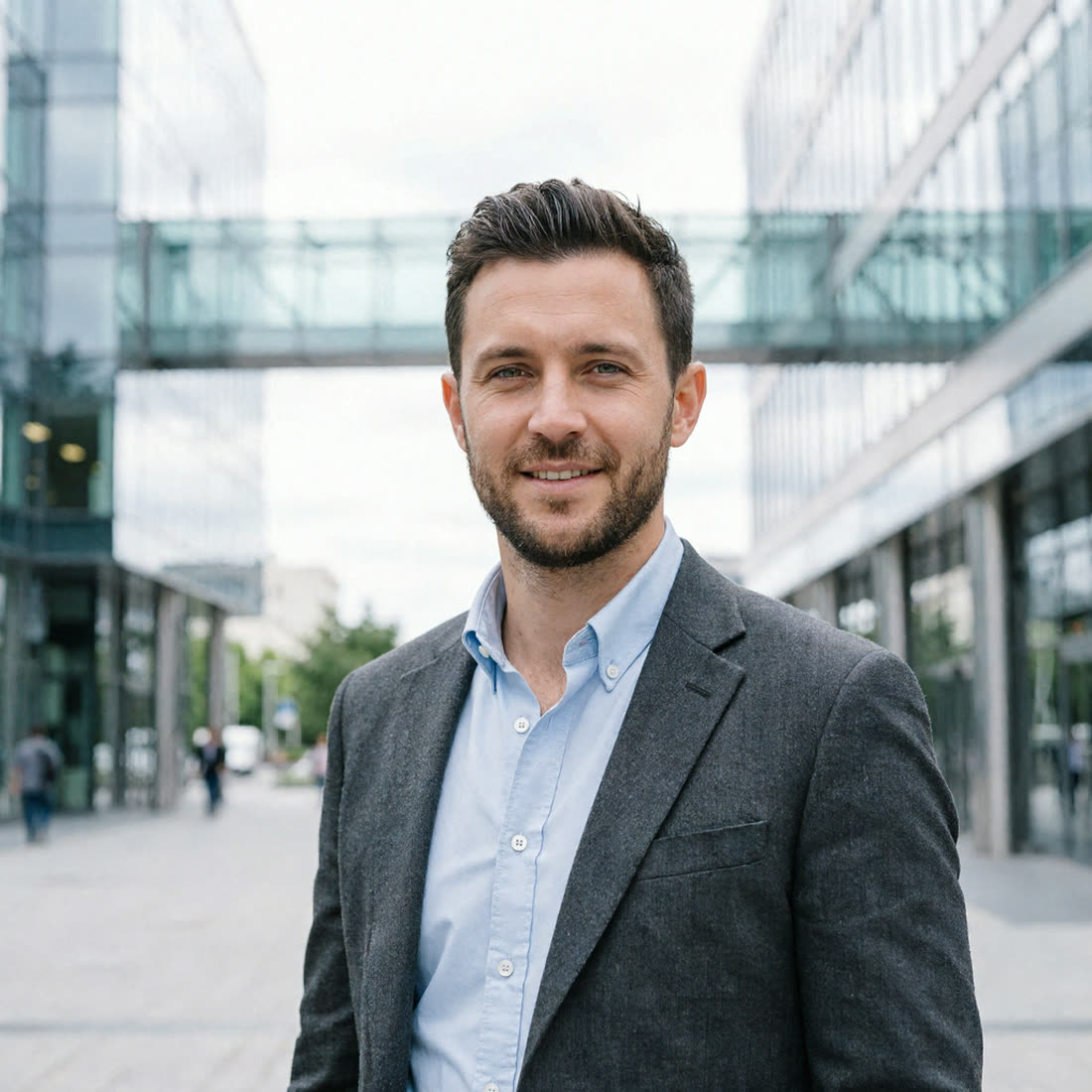
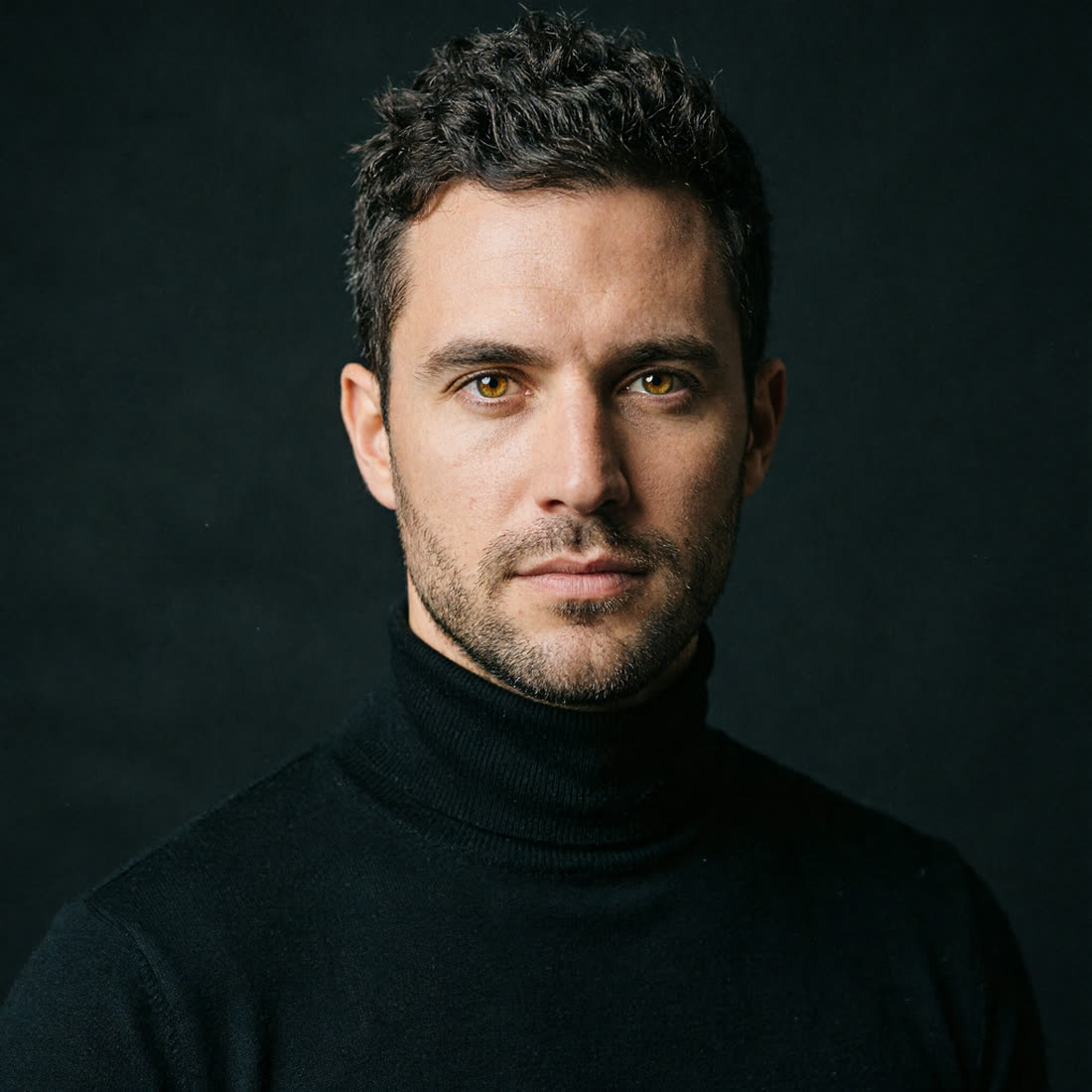
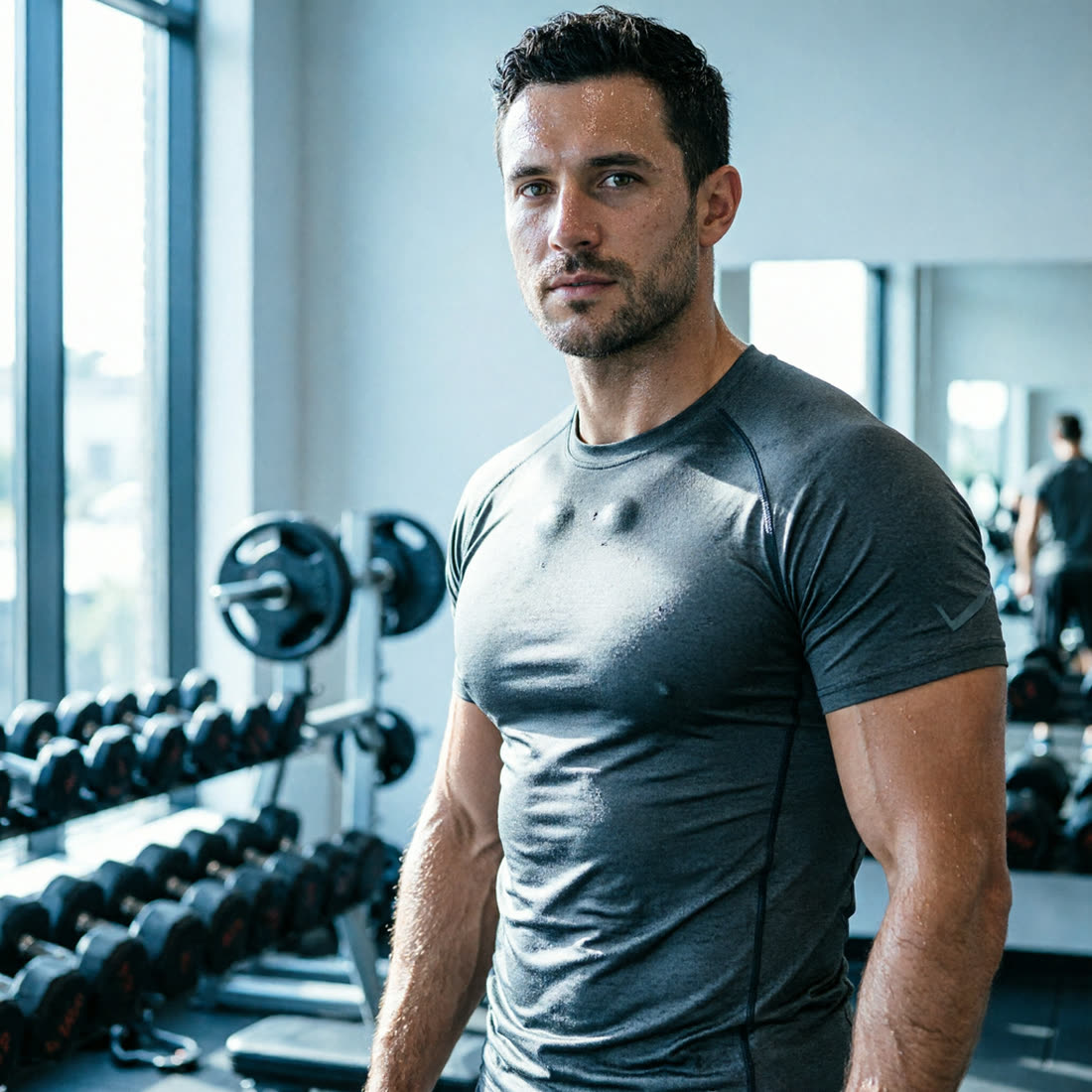
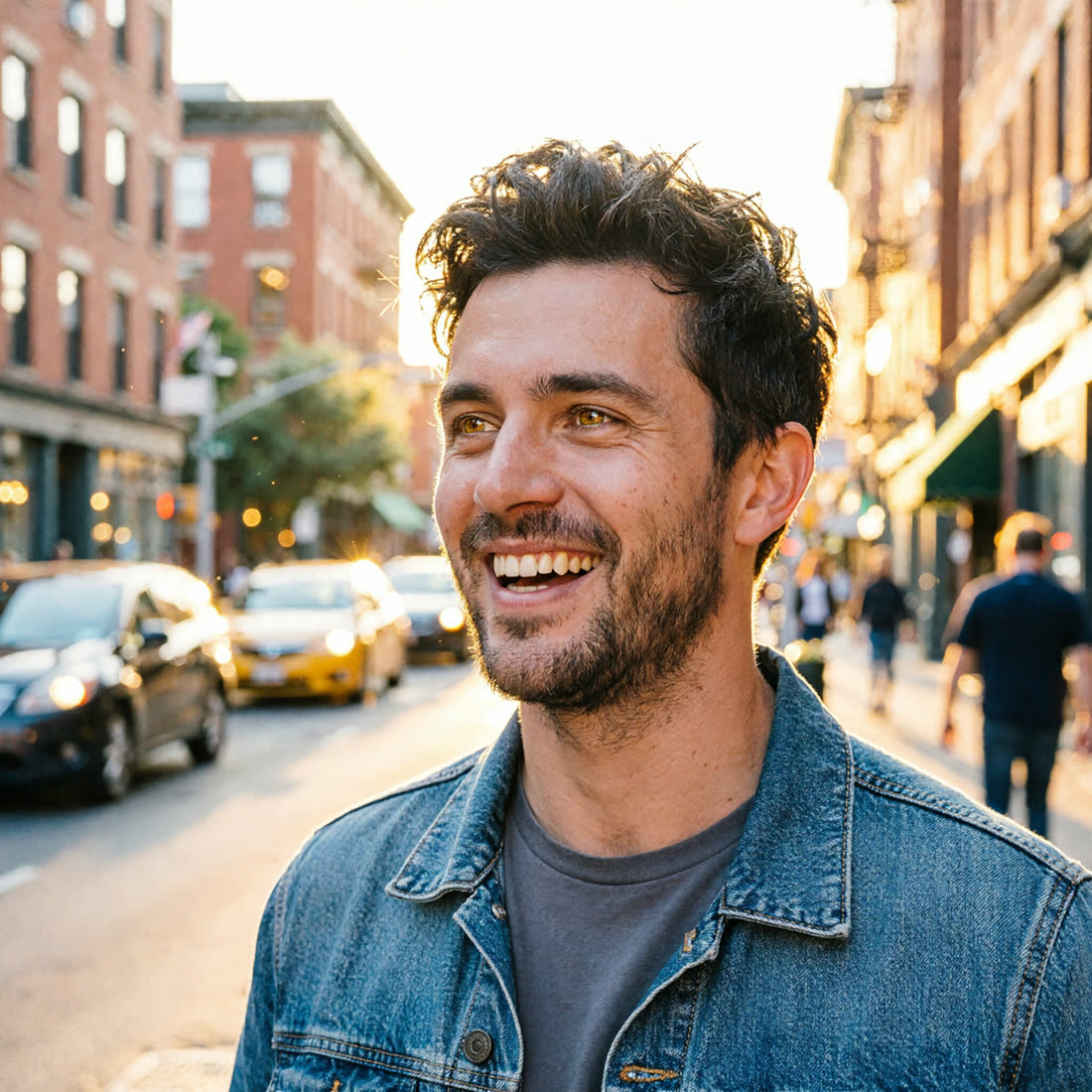
Four frames, like a contact sheet
Each run gives you four close options to compare for smile, angle, framing, and mood. Pick the best frame or run the same setup again.
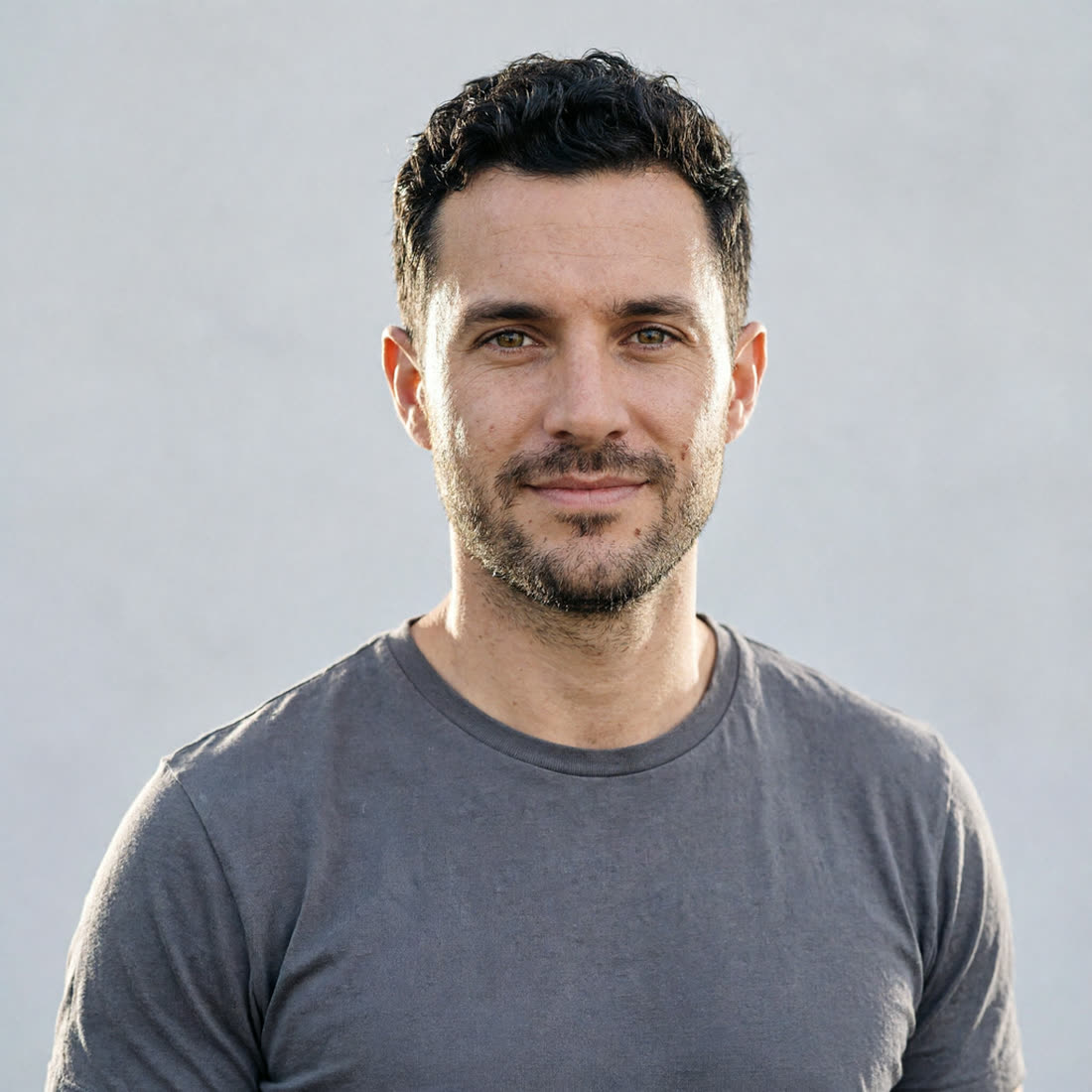
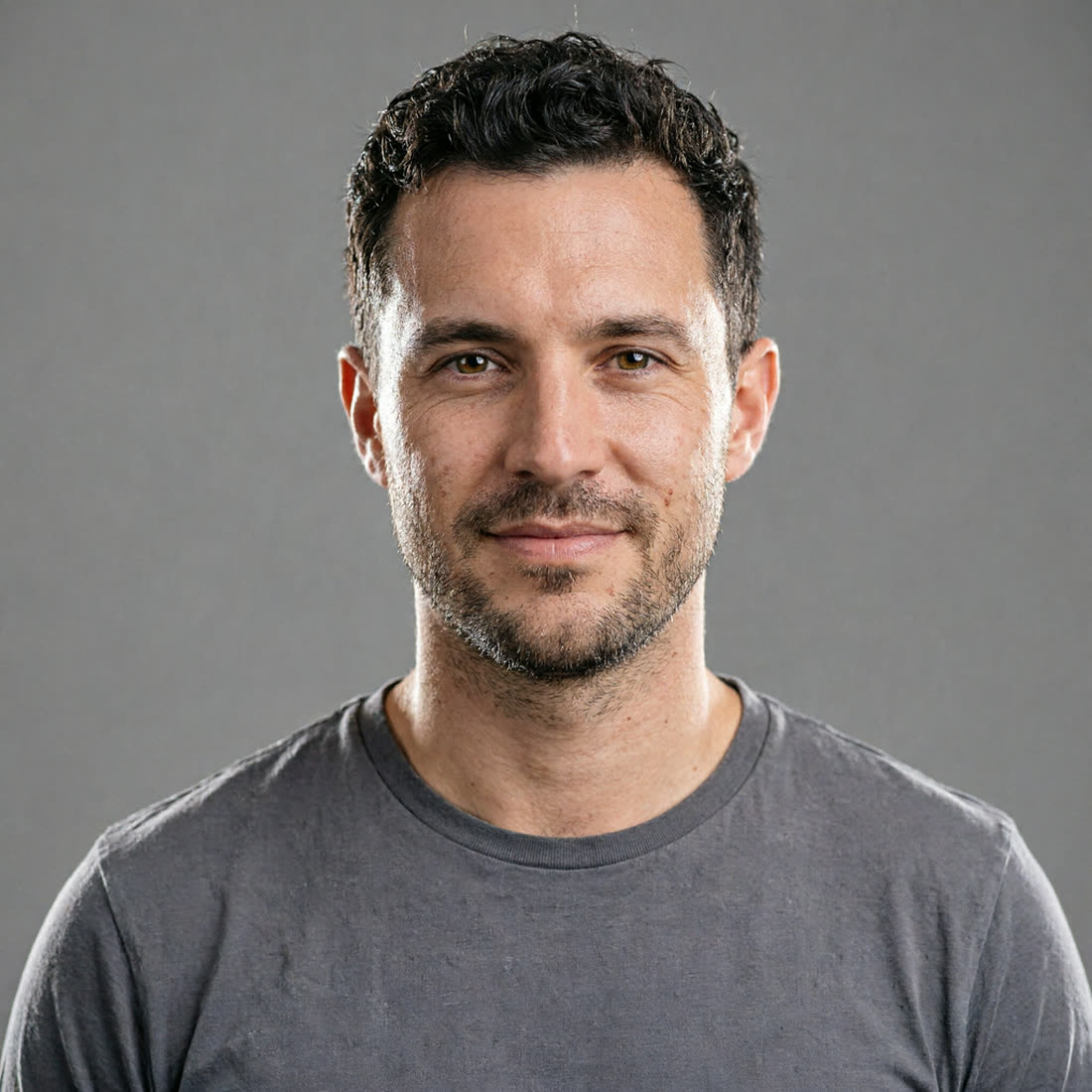
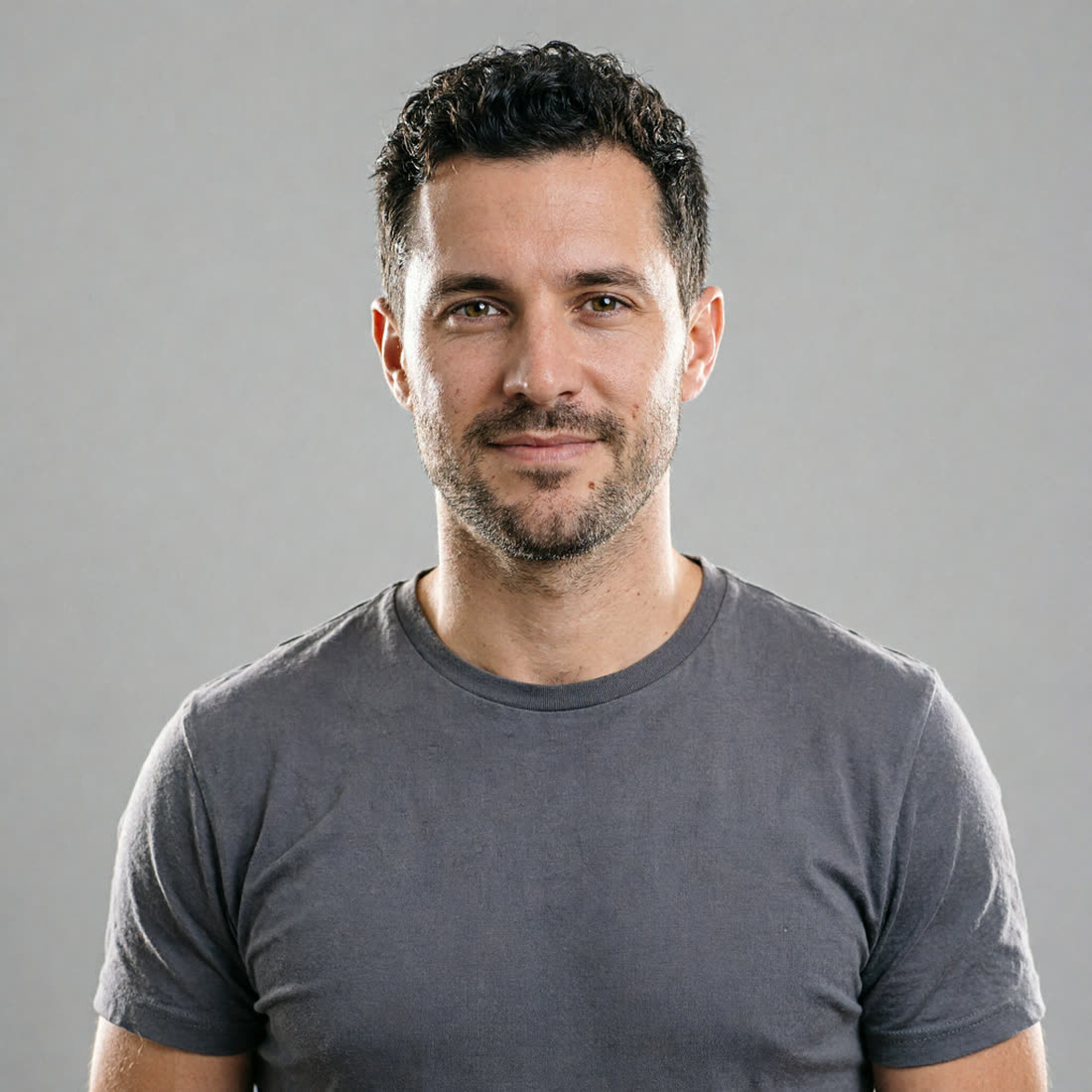
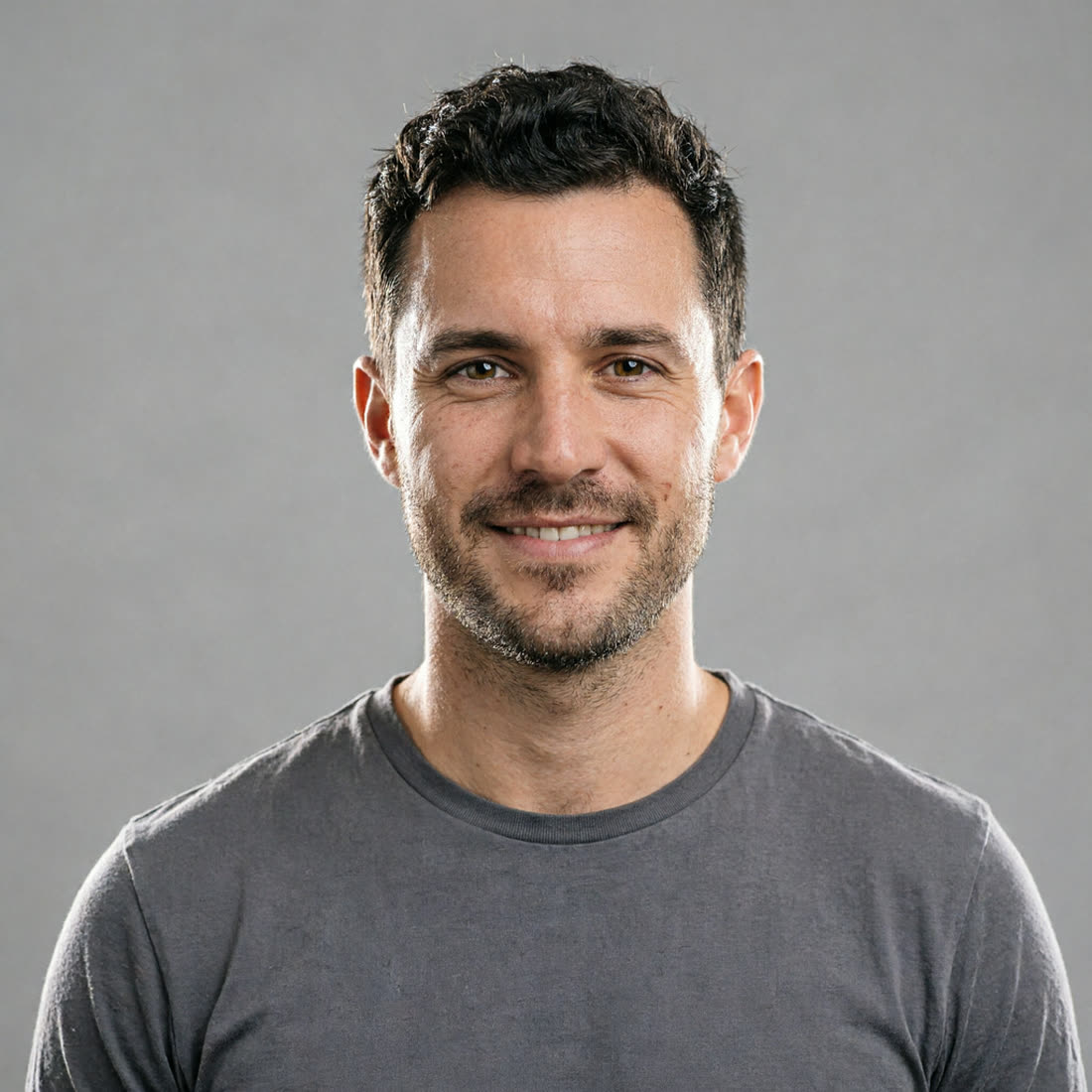
Professional shoots you can create from one upload
Corporate headshot pack
Create clean headshots for LinkedIn, company bios, speaker pages, press kits, and email profiles without scheduling a studio day.
Business-casual profile refresh
Generate warm office, café, coworking, or home-studio portraits for a personal site, resume, newsletter, or founder page.
Fashion editorial set
Try tailored coats, bold silhouettes, studio backdrops, and magazine-style lighting for creator portfolios, brand decks, or look concepts.
Fitness and creative portrait series
Build gym, trail, park, color-gel, and black-and-white portrait sets for trainers, wellness founders, artists, and makers who need range.
Why creators pick Vynzo
Recognizably you
Vynzo keeps your face consistent across outfits, poses, lighting setups, and locations, so the final set feels like one real session.
Many looks from one upload
Use the same face photo again and again to create a new shoot for each scene, from polished headshots to outdoor lifestyle portraits.
Four frames per run
Each generation gives you four usable options to compare for expression, angle, crop, and mood before you choose the keeper.
A photoshoot studio you can trust
Your prompts and results stay private to your account and are never made public. You own what you make in Vynzo and can use your outputs commercially for profiles, portfolios, sites, and brand materials.
Use Vynzo responsibly: create with your own likeness or with people and characters you are authorized to use. Do not create real people without consent or deepfakes.
Frequently asked questions
Can I try Vynzo’s AI Photoshoot for free?
Yes, new accounts get free starter credits to try AI Photoshoot. After that, you can choose the plan or credit pack that fits your workflow.
Will the photos still look like me?
Yes, Vynzo is built to keep you recognizable across each setup. A clear source photo helps preserve your face, features, and overall look.
What kind of photo should I upload?
Upload a clear, well-lit face photo where you are looking mostly toward the camera. Avoid heavy shadows, sunglasses, or extreme angles for best results.
Can this replace a booked studio session?
Yes, for many profile and brand needs, it can replace a traditional session. You can create varied looks without booking a photographer, location, wardrobe, and lights.
How many looks can I make from one upload?
You can create many different shoots from the same source photo. Change the prompt, pose, outfit reference, lighting, or location to build a full portrait set.
Is this face swap or photo retouching?
No, AI Photoshoot creates new portraits from your source photo and scene direction. It is different from editing one existing photo or placing your face on another person.
Just create. Start free.
New accounts get free starter credits — try it, then buy credits only if you love it.