
Face swap gallery
Swap your own likeness, or a face you have permission to use, into a new shot while keeping the pose, outfit, light, and scene. Copy a prompt and try the Face Swapper tool.
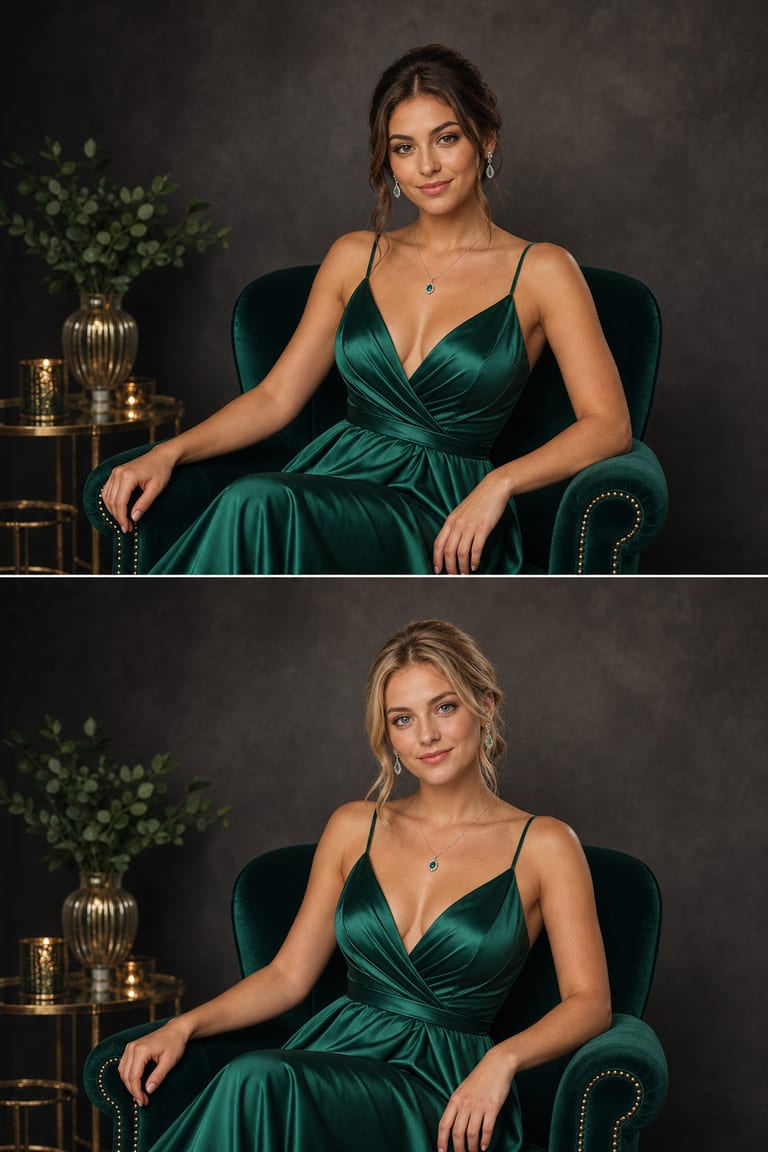
Examples & prompts
Copy a prompt, tweak the details, and make it your own in the studio.
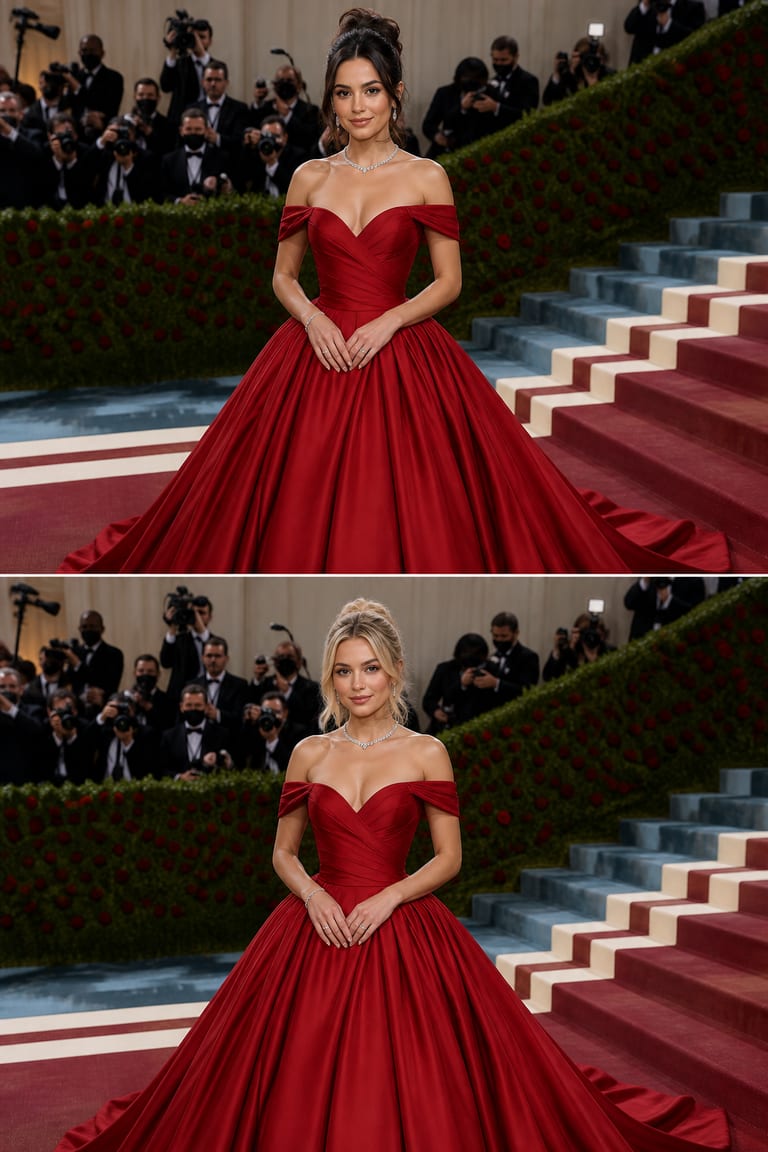
“Swap the reference face into a red-carpet gala portrait: keep the gown, pose, background and lighting, match the skin tone and head angle. Reference: a clear front-facing face photo.”
seed 1024 · guidance 7.0 · 50 steps · + face reference
Try it yourself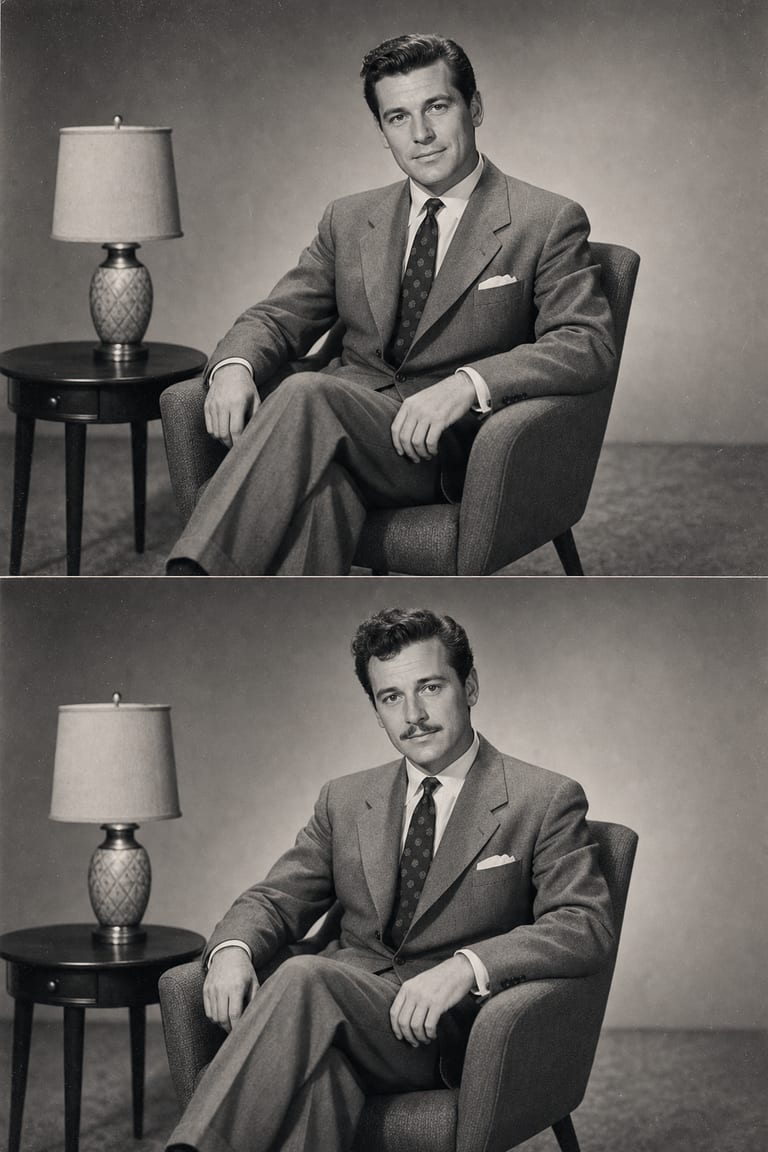
“Face-swap the reference face into a 1950s vintage studio portrait: preserve the outfit, film grain, pose and tone, match the lighting direction. Reference: a sharp face photo.”
seed 555 · guidance 6.0 · 45 steps · + face reference
Try it yourself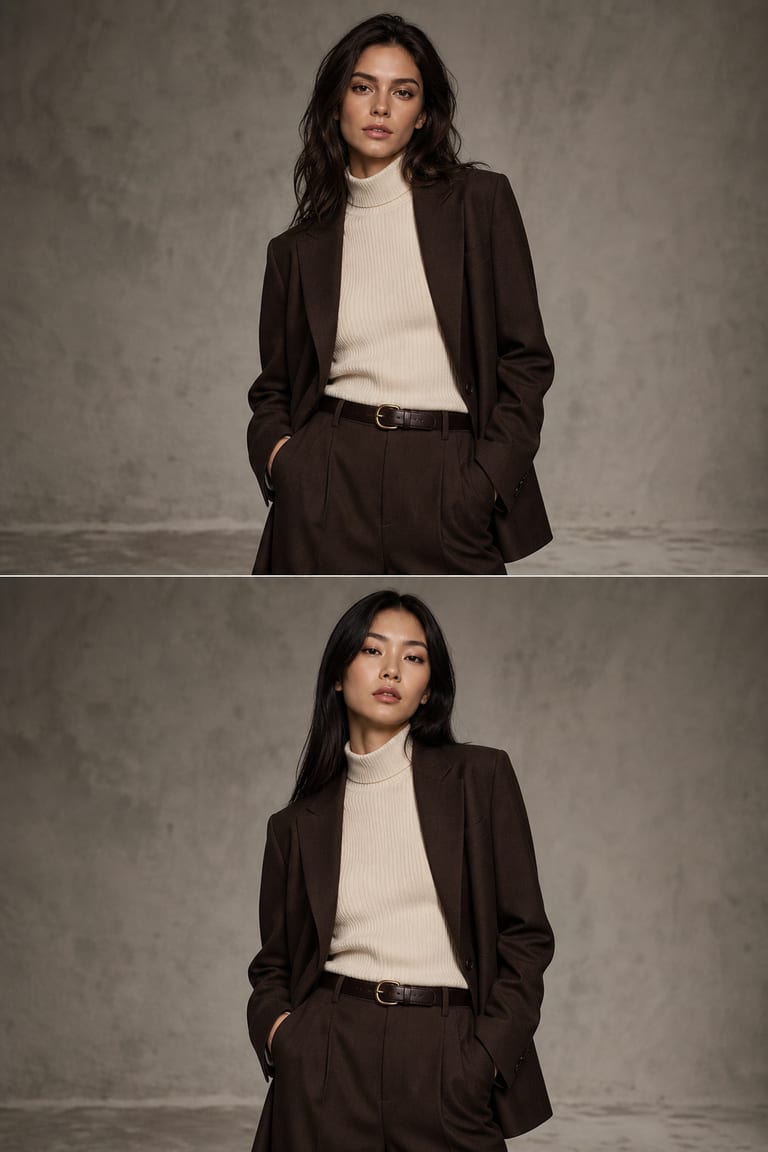
“Put the reference face onto the fashion-editorial shot: keep the styling, camera angle, background and body, blend the skin tone seamlessly. Reference: a well-lit face photo.”
seed 3072 · guidance 7.0 · 50 steps · + face reference
Try it yourselfHow to get great results
Prompt tips tuned to how Vynzo's engines actually work.
Choose matching angles
Use a source face that matches the target angle as closely as possible. Front-facing sources work best for front-facing targets, while profile shots need profile references.
Keep the shot stable
Tell Vynzo what must stay unchanged: pose, outfit, background, camera crop, and lighting. This helps the Face Swapper focus on the face instead of rebuilding the whole image.
Use a keep-list
After a first pass, write a keep-list such as “same jacket, same hand position, same window light, same background.” Add a short negative prompt for color mismatch, blur, or face warping.
Tune gently
Use guidance around 5–7 for natural blends. Higher settings can force details, but too high may make skin tone or edges look less realistic.
The tool behind it
Face Swapper
FAQ
How do I swap a face into a photo?
Use your own likeness or a face used with permission, then place it into a shot while keeping the pose, outfit, lighting, and scene.
Can face swap keep the same pose and lighting?
Yes. A good source image helps keep the pose, outfit, scene, and lighting consistent for a more natural result.
How do I write a good prompt for face swap?
Describe the target scene, pose, expression, lighting, and camera angle. Use clear terms like natural smile, side light, or outdoor portrait.
New to prompting? Our guide to writing AI image prompts walks you through it.
More to create
Your idea, made real.
New accounts get a couple of free starter credits — copy a prompt above and make your first one.