
AI Face Swap for Headshots and Characters
AI Face Swap places a face you own or have permission to use into a photo while keeping the pose, lighting, and scene. New accounts get free starter credits, so you can test headshots, costumes, and character consistency responsibly.
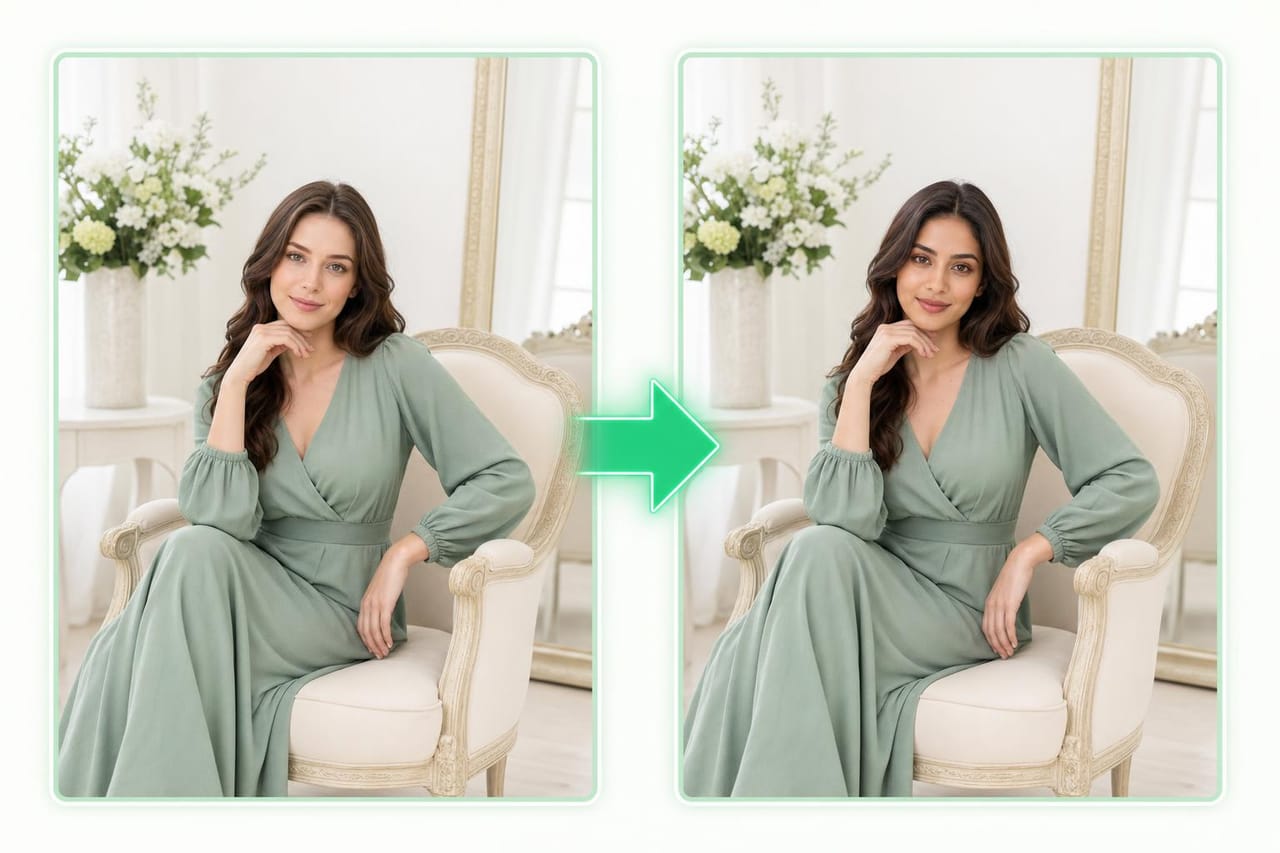
How it works
Add Face
Upload a clear face image that you own or have permission to use.
Choose Photo
Select the target photo with the pose, scene, costume, or character setup you want.
Create Swap
Generate the swap, review identity match, and adjust your source images if needed.
Example prompts to try
Copy a prompt, tweak it, and make it your own.
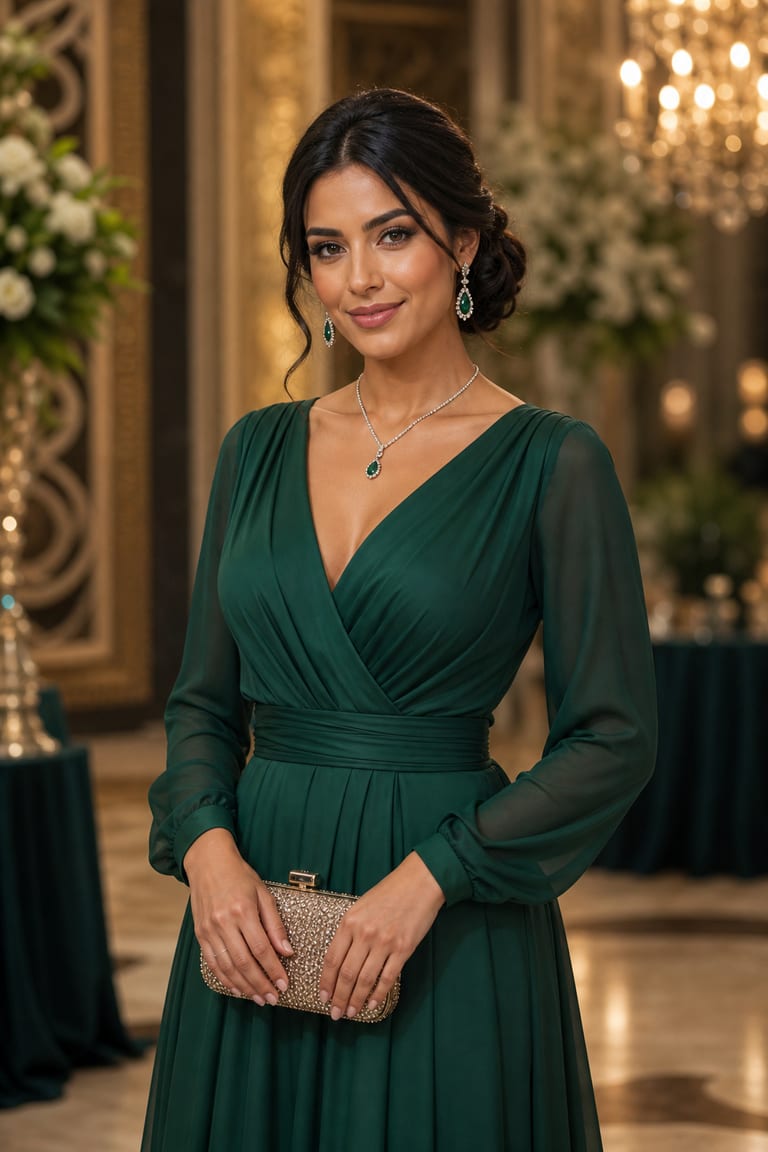
“Swap the face into this evening-gala portrait — keep the pose, lighting and gown, and match skin tone.”
Try this prompt in the studio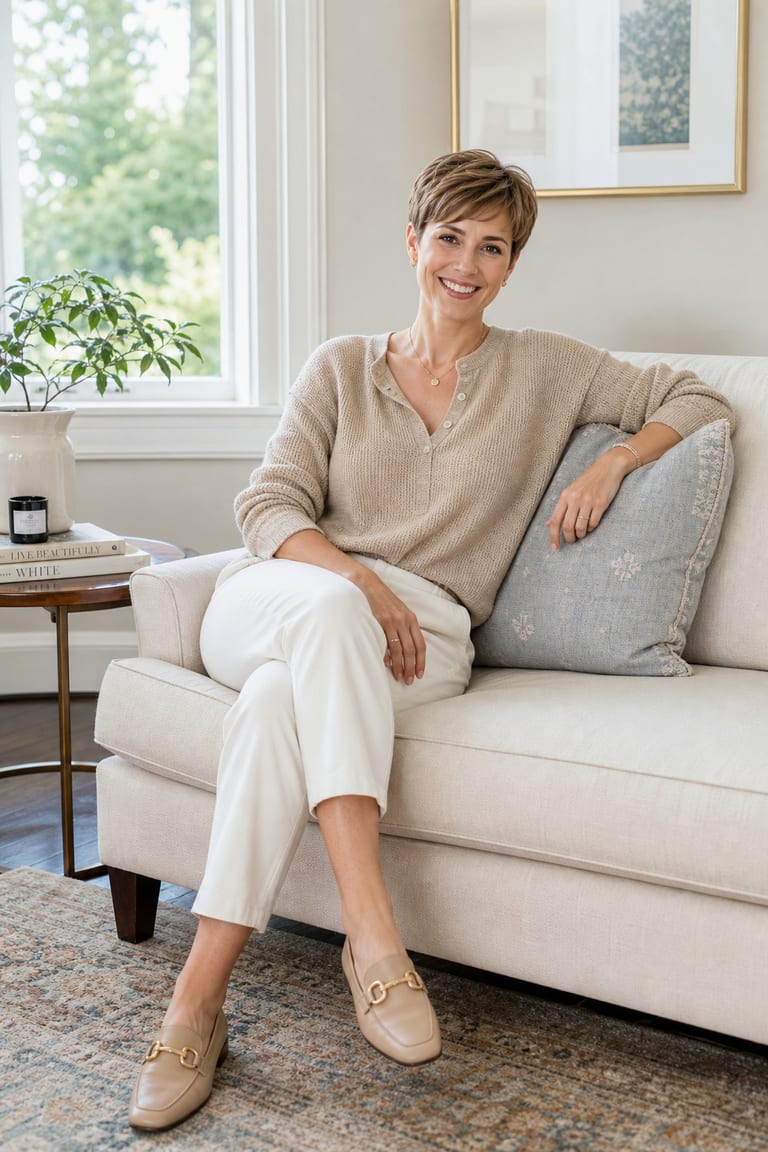
“Put this face on the cozy-sofa scene, natural window light, keeping the composition and outfit.”
Try this prompt in the studio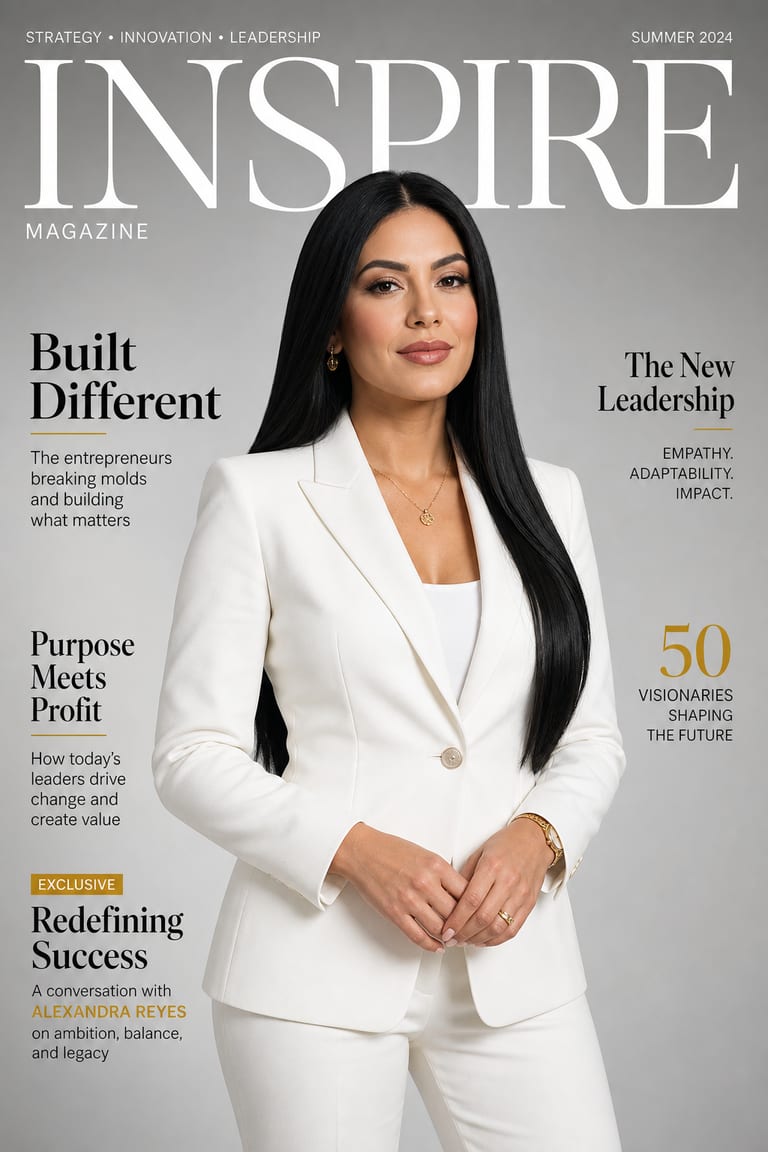
“Face-swap into a magazine-cover shot, studio light, confident pose — preserve the scene.”
Try this prompt in the studioWhy creators use it
Consent First
Use only your own likeness, original characters, or faces you have permission to use.
Pose Matching
Keep the target photo's pose, framing, outfit, and scene while changing the face.
Character Consistency
Use the same authorized face across headshots, costumes, and themed character images.
Frequently asked questions
Can I try AI Face Swap for free?
Yes. New accounts include free starter credits, so you can test a few swaps before adding more.
Whose face can I use?
Use a face you own or have permission to use. Do not use a real person's face without clear consent.
What is AI Face Swap best for?
It is best for headshots, costumes, and consistent characters. It can help keep identity steady across a set of images.
What photos work best?
Clear, front-facing face images work best. Good lighting and a visible face help create a cleaner match.
Explore more tools
Where ideas become something real.
Start creating with Face Swapper and every Vynzo tool in one creative studio.
Start free