
Image Editor for Prompt-Based AI Edits
Image Editor lets you change and enhance an image by describing the edit you want. New accounts get free starter credits, so you can test fixes, style changes, and background edits without jumping between tools.
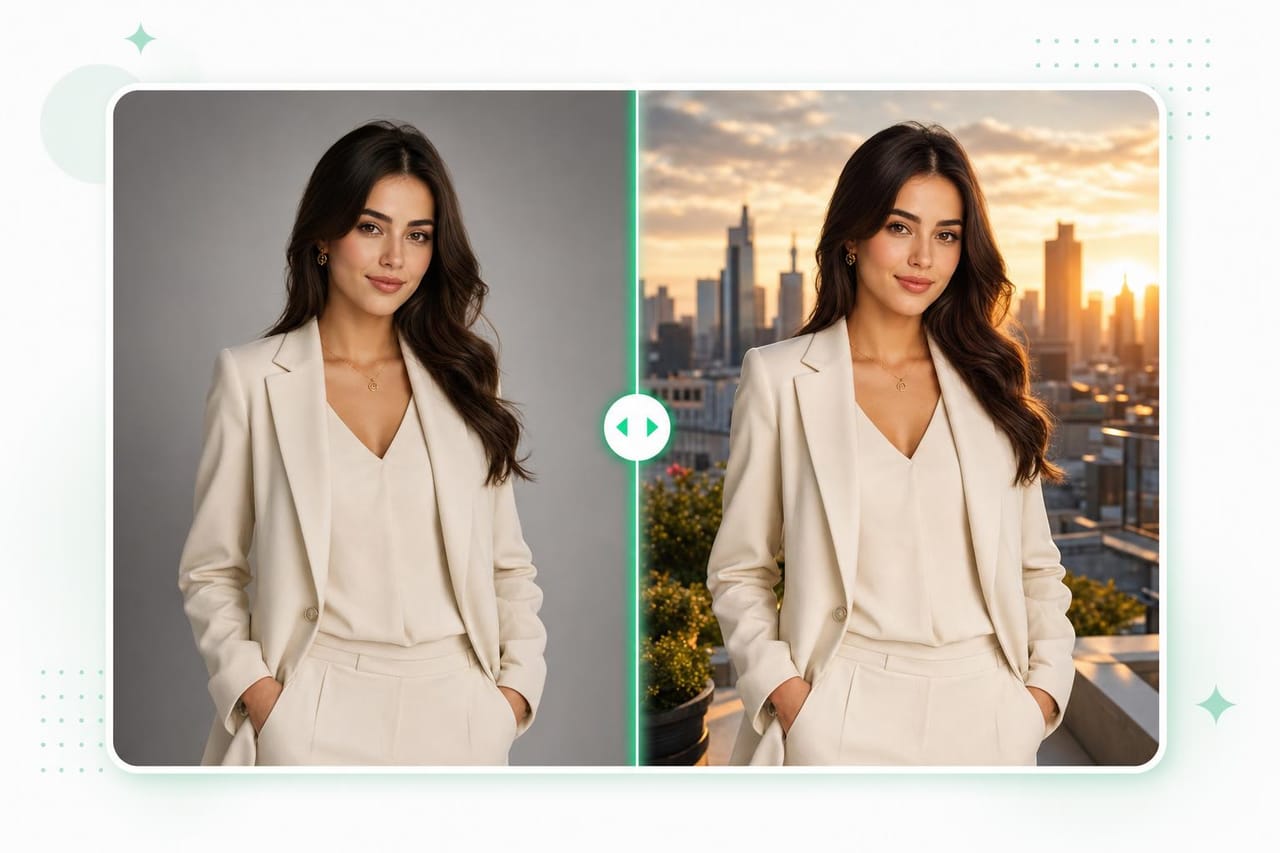
How it works
Upload Image
Add the image you want to edit, improve, or adjust.
Describe Edit
Write the change you want, such as removing an object, changing lighting, or updating the background.
Apply Changes
Generate the edited image and refine your prompt if you want a cleaner result.
Example prompts to try
Copy a prompt, tweak it, and make it your own.
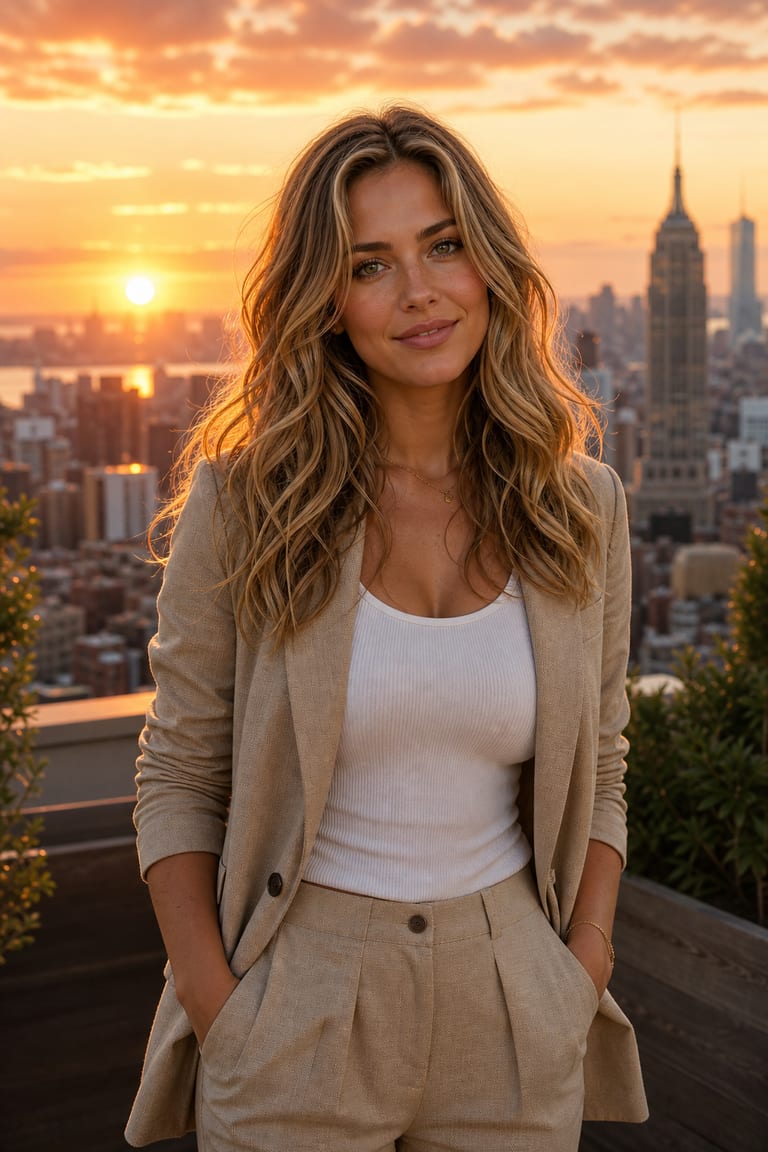
“Change the background to a sunset city skyline, keep the subject and lighting, blend it naturally.”
Try this prompt in the studio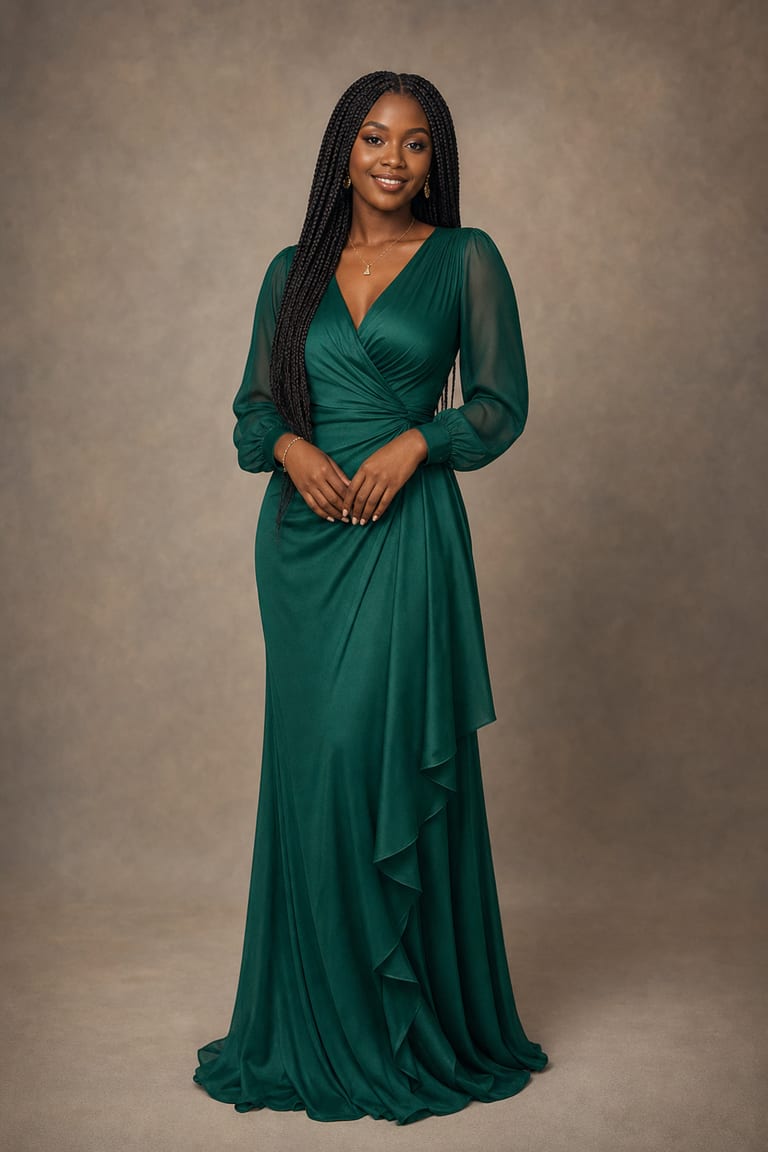
“Change the dress color to emerald and add soft studio lighting — keep everything else the same.”
Try this prompt in the studio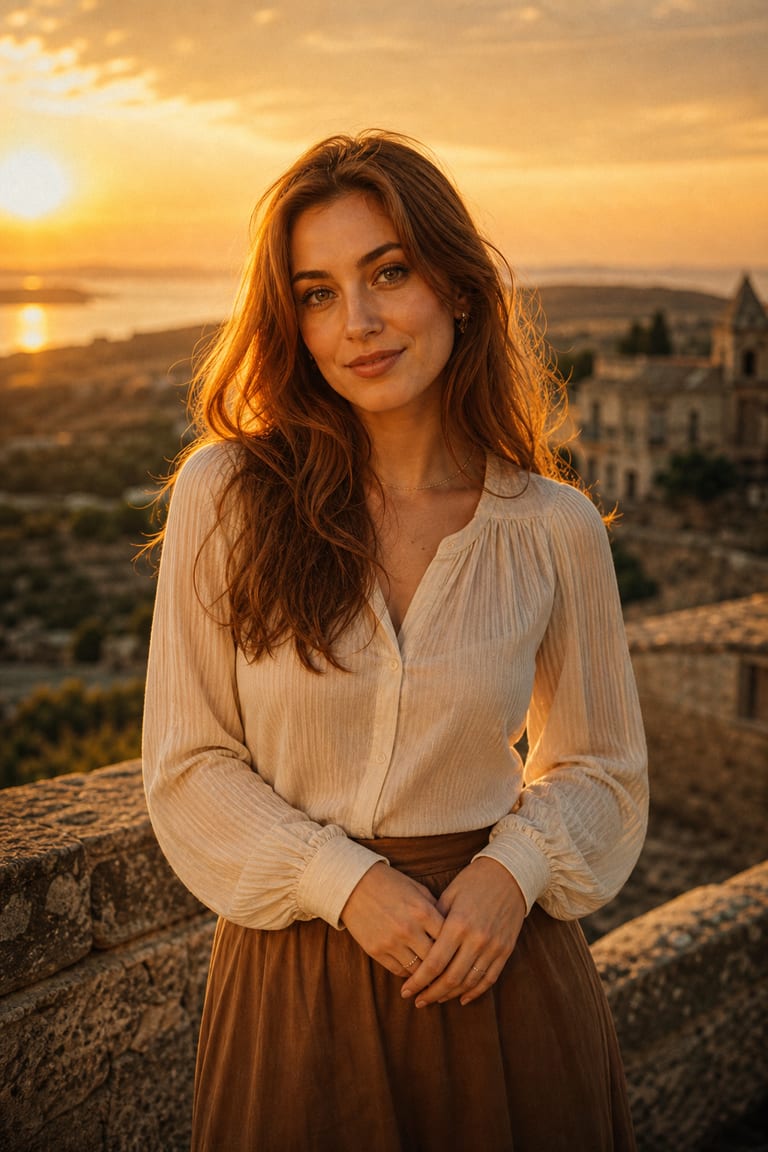
“Add golden-hour warmth and a subtle film grain, keeping the composition.”
Try this prompt in the studioWhy creators use it
Prompt Edits
Make targeted image changes with plain language instead of complex layer work.
Background Changes
Replace or adjust backgrounds while keeping the main subject clear.
Lighting Fixes
Improve shadows, brightness, color tone, and overall image balance with prompt notes.
Frequently asked questions
Can I try Image Editor for free?
Yes. New accounts include free starter credits, so you can test edits before adding more.
What kinds of edits can I make?
You can change backgrounds, fix lighting, remove objects, and adjust style. Clear edit prompts work best.
Do I need design skills?
No. You describe the edit in plain language. Vynzo handles the AI image change from your prompt.
Can I keep the original image?
Yes. Your original image stays as the source. You can create edited versions and compare results.
Explore more tools
Where ideas become something real.
Start creating with Image Editor and every Vynzo tool in one creative studio.
Start free