
AI Photoshoot for Studio-Style Images
AI Photoshoot creates studio-style images from a face photo and a style reference, with control over pose, lighting, outfit, and setting. New accounts get free starter credits, so you can test a look before creating a larger set.
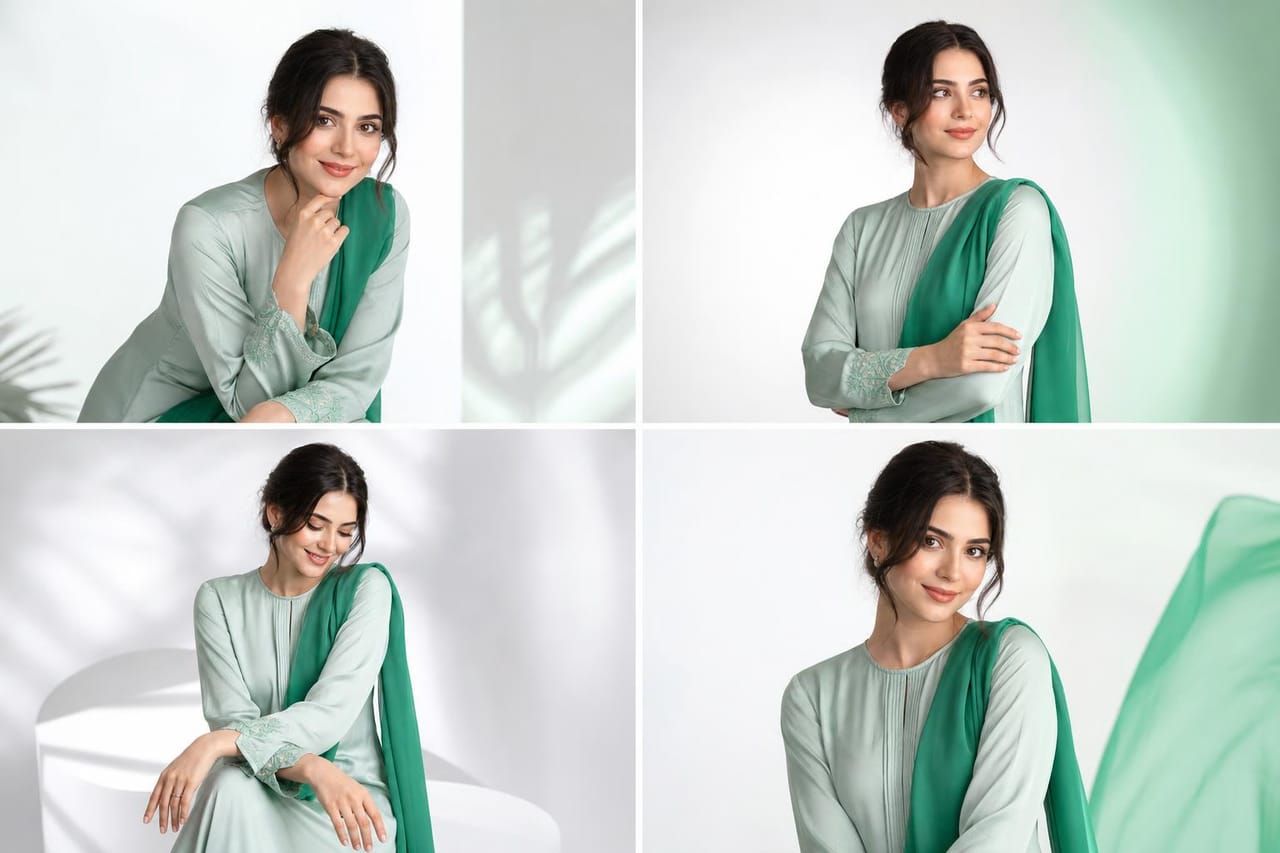
How it works
Upload Face
Add a clear face photo that you own or have permission to use.
Add Reference
Choose a style reference or describe the look, lighting, outfit, and scene.
Create Photos
Generate studio-style images and refine the direction for a stronger set.
Example prompts to try
Copy a prompt, tweak it, and make it your own.
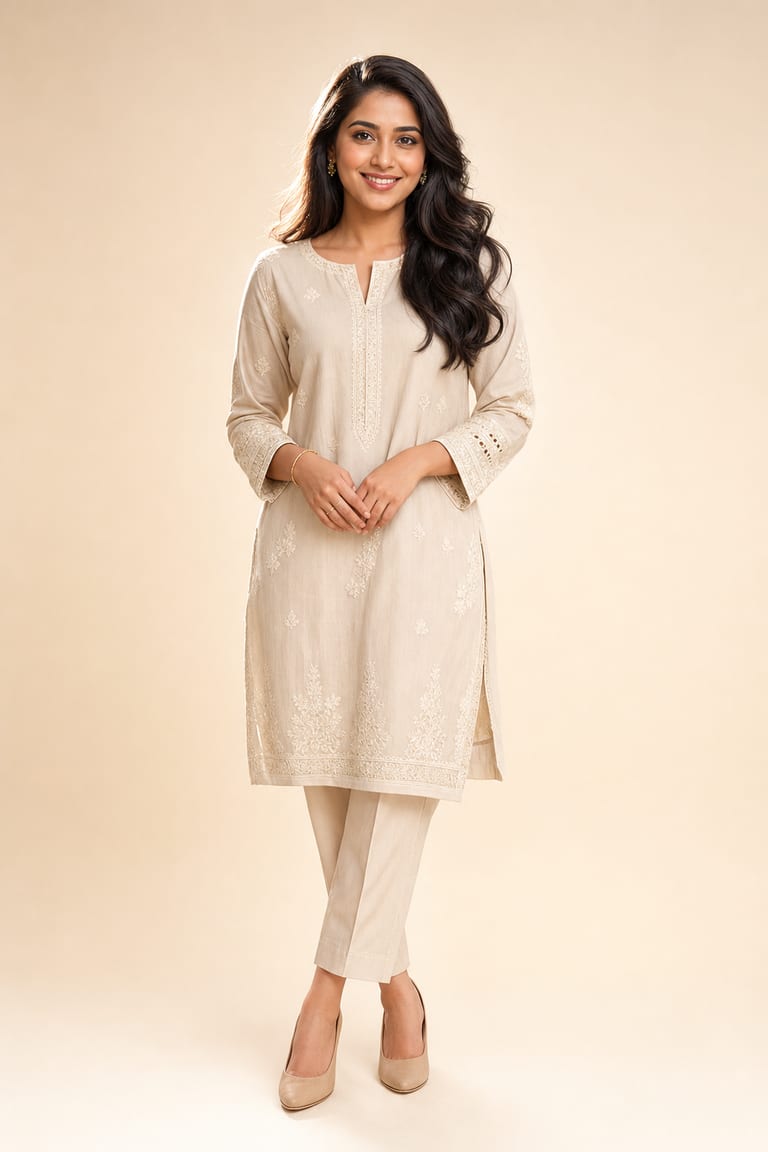
“Clean beauty photoshoot on a soft ivory background, natural glam makeup, gentle rim light, catalog-quality portrait.”
Try this prompt in the studio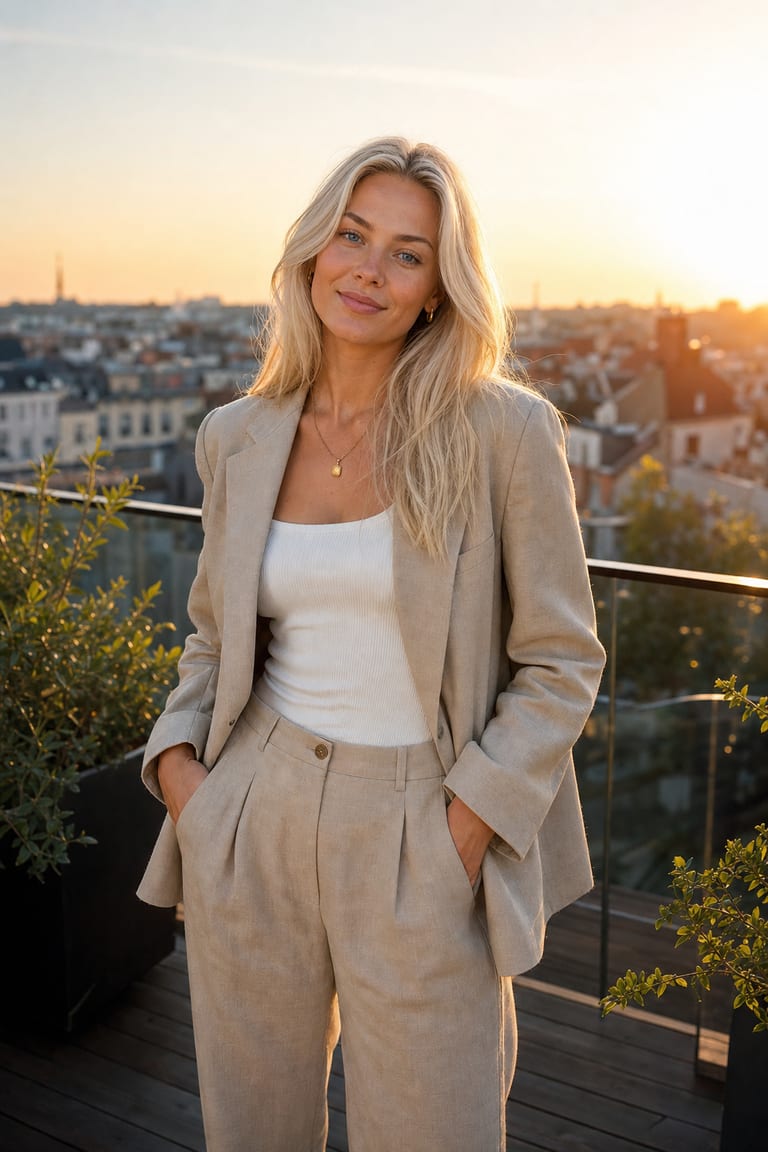
“Golden-hour rooftop fashion shoot, linen suit, warm backlight, candid pose, editorial lifestyle look.”
Try this prompt in the studio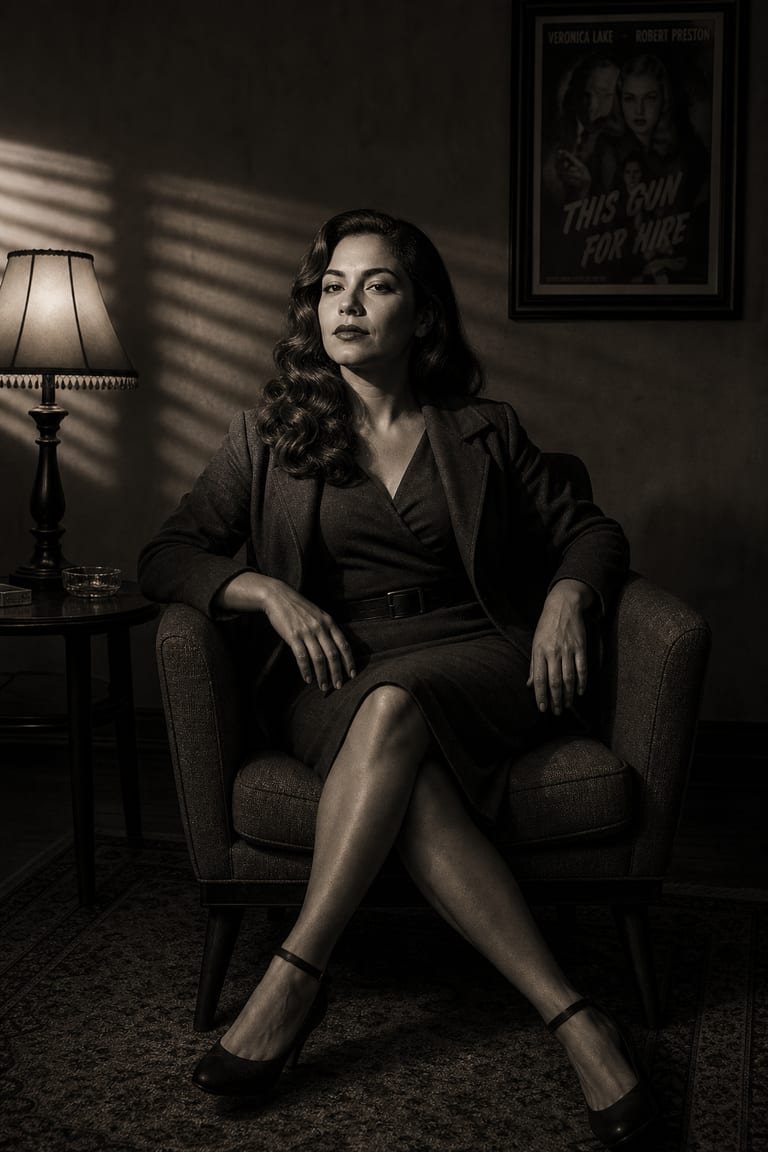
“Moody film-noir portrait, hard side light, deep shadows, monochrome with a hint of warm tone.”
Try this prompt in the studioWhy creators use it
Style Reference
Guide the shoot with a reference image or a prompt for lighting, outfit, and mood.
Pose Variety
Create different poses and framings while keeping the same authorized face.
Studio Looks
Make polished profile images, brand photos, and character shots from one workspace.
Frequently asked questions
Can I try AI Photoshoot for free?
Yes. New accounts include free starter credits, so you can test a photoshoot before adding more.
What photos do I need?
Use a clear face photo you own or have permission to use. A style reference helps guide the final look.
Can I choose outfits and lighting?
Yes. You can describe outfit, lighting, pose, background, and overall style in your prompt.
Is AI Photoshoot good for headshots?
Yes. It works well for profile photos, team images, creator shots, and character looks.
Explore more tools
Where ideas become something real.
Start creating with AI Photoshoot and every Vynzo tool in one creative studio.
Start free